SpringBoot部署:profile配置

2026-05-10 20:02:34

1、在实际的开发之中,由于开发(dev)、测试(beta)、运行(product)的环境不同,有可能需要选择不同的配置文件。在SpringBoot里面充分的考虑到了此类问题,那么专门提供有多个profile配置,但是对于多profile配置一定要区分出是yml还是properties,这两种资源的配置是不同的。

1、基于yml实现profile的配置处理:

在使用yml配置文件的时候所有可以使用的profile配置项都要求在一个文件之中编写;

spring:

  profiles:

    active: dev

---

spring:

  profiles: dev

  messages:

    basename: i18n/Message,i18n/Pages #资源文件的名称

server:

  port: 8080


---

spring:

  profiles: beta

  messages:

    basename: i18n/Message,i18n/Pages #资源文件的名称

server:

  port: 9090


---

spring:

  profiles: product

  messages:

    basename: i18n/Message,i18n/Pages #资源文件的名称

server:

  port: 80


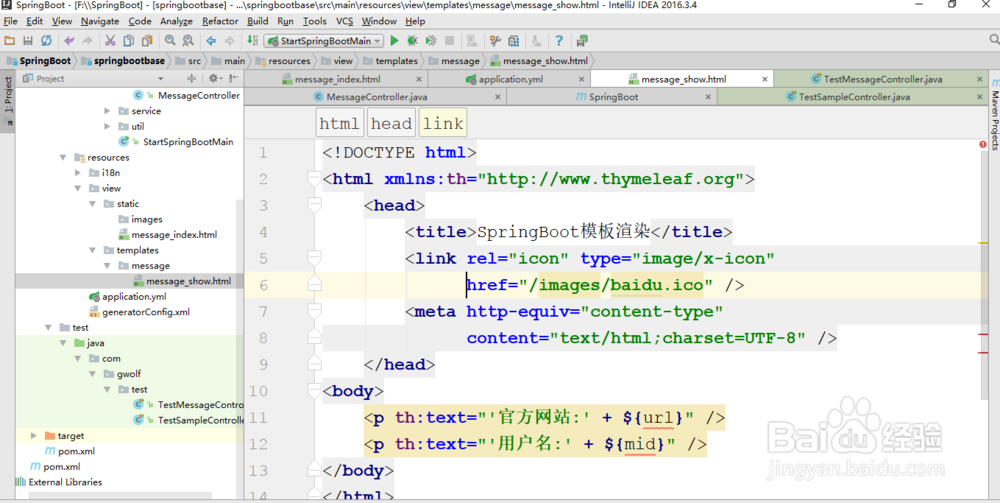
        <meta http-equiv="content-type" 

              content="text/html;charset=UTF-8" />

    </head>

<body>

    <p th:text="'官方网站:' + ${url}" />

    <p th:text="'用户名:' + ${mid}" />

</body>

</html>

SpringBoot部署:profile配置

SpringBoot部署:profile配置

6、在进行profile配置的时候特别需要注意一点,如果你使用的是application.properties配置,这样的配置处理过程是不一样的,也就是说如果你基于属性文件完成配置,那么就需要编写多个属性文件内容:

【开发】application-dev.properties

【测试】application-beta.properties

【线上】application-product.properties

SpringBoot部署:profile配置

7、随后还是需要有一个公共的application.properties配置文件出现,用于指派可以使用的profile配置。

猜你喜欢