指南经验网
首页
美食营养
生活百科
知识问答
生活知识
返回
指南经验网
首页
美食营养
游戏数码
手工爱好
生活知识
生活百科
健康养生
运动户外
职场理财
情感交际
母婴教育
时尚美容
知识问答
更多知识
搜索
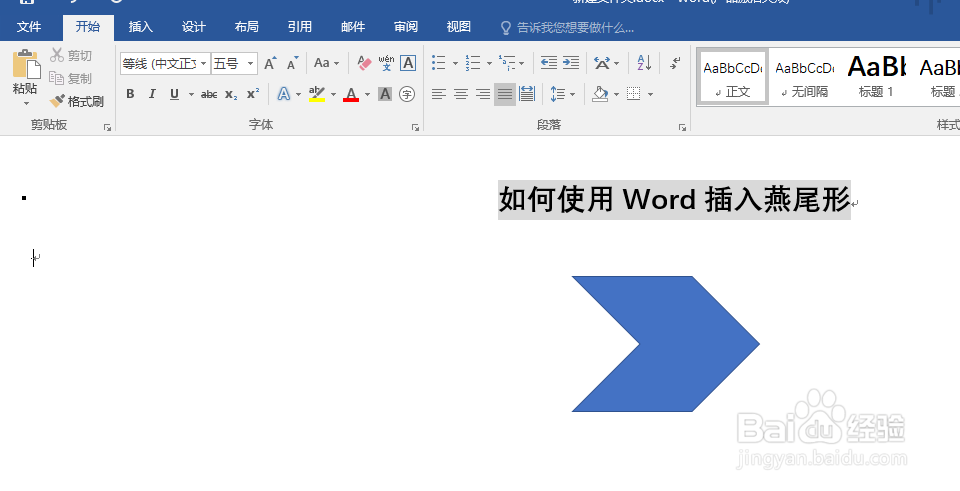
使用Word插入燕尾形
2026-04-21 14:17:22
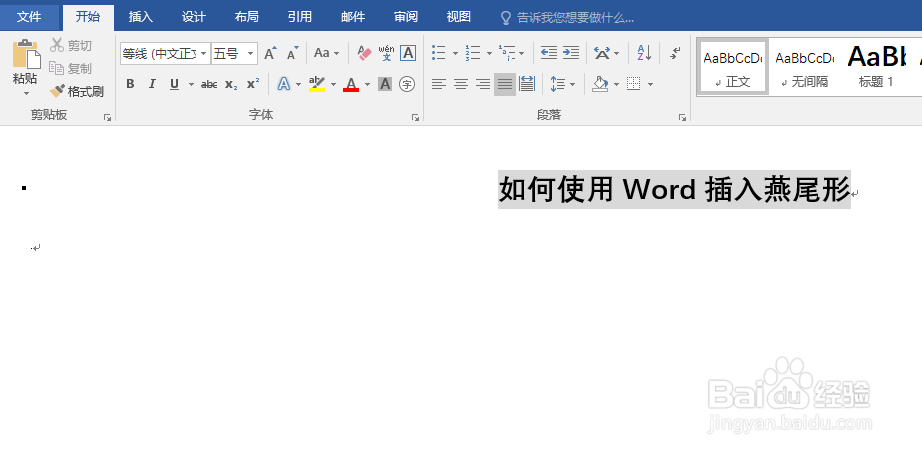
1、打开你要操作的word
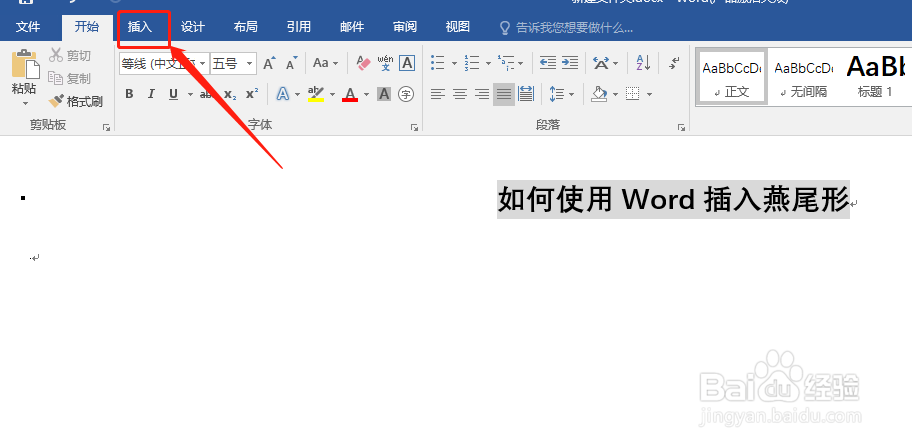
2、选择菜单栏中的【插入】
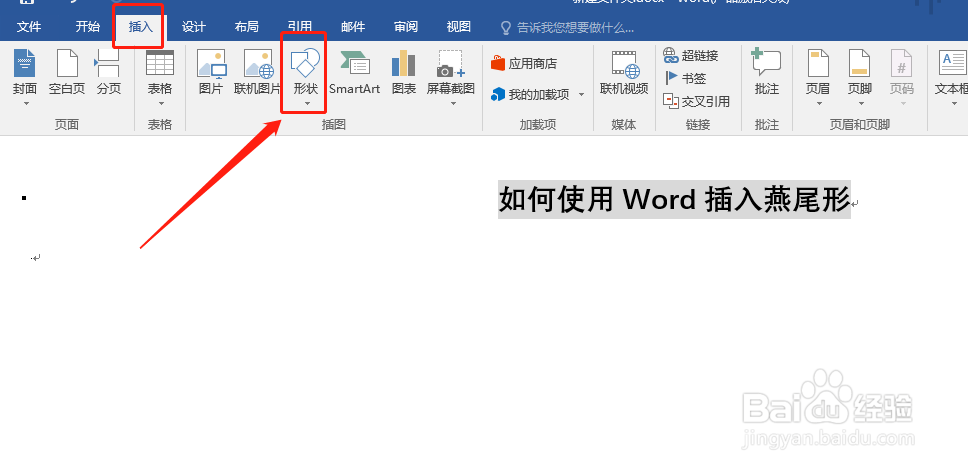
3、点击【插入】选择点击【形状】
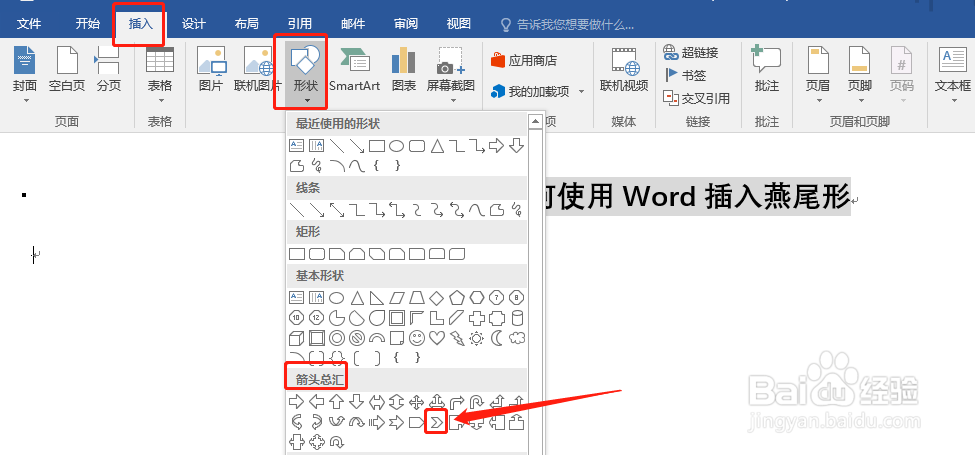
4、然后选择【箭头总汇】中的【燕尾形】
5、在word的空白处画出【燕尾形】
相关推荐
WPS文档中怎么插入书籍图标?
阅读量:28
word文档怎样插入圆柱图形
阅读量:120
wps如何设置成稿纸
阅读量:88
怎么在PDF文档中添加一个列表框组件
阅读量:28
WORD中脚注是什么意思
阅读量:22
猜你喜欢
基金定投怎么样
如何管理公司
拳皇97大蛇怎么调
五星红旗我为你自豪是什么歌
如何消音只留伴奏
合数是什么
如何排毒最快最有效
夫妻保健怎么样
如何介绍公司
如何缓解考试压力
猜你喜欢
呼叫转移是怎么回事
如何使用微信公众号
牛肉怎么做好吃易烂
宝宝拉肚怎么办
如何挽救婚姻
猫的秘密生活
木槿生活官网
梦见狗咬我是什么意思
gay是什么意思
左眼下眼睑跳动是什么原因