Windows10如何安装Bethesda
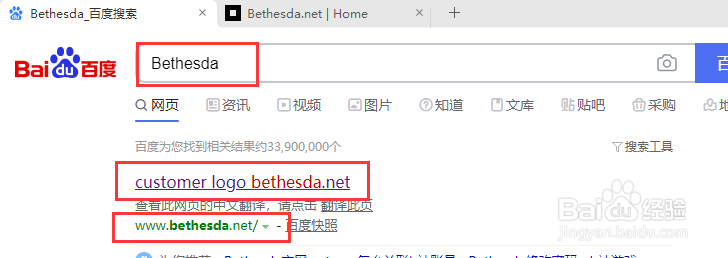
1、首先打开百度搜索 "Bethesda", 确认地址无误后点击进入
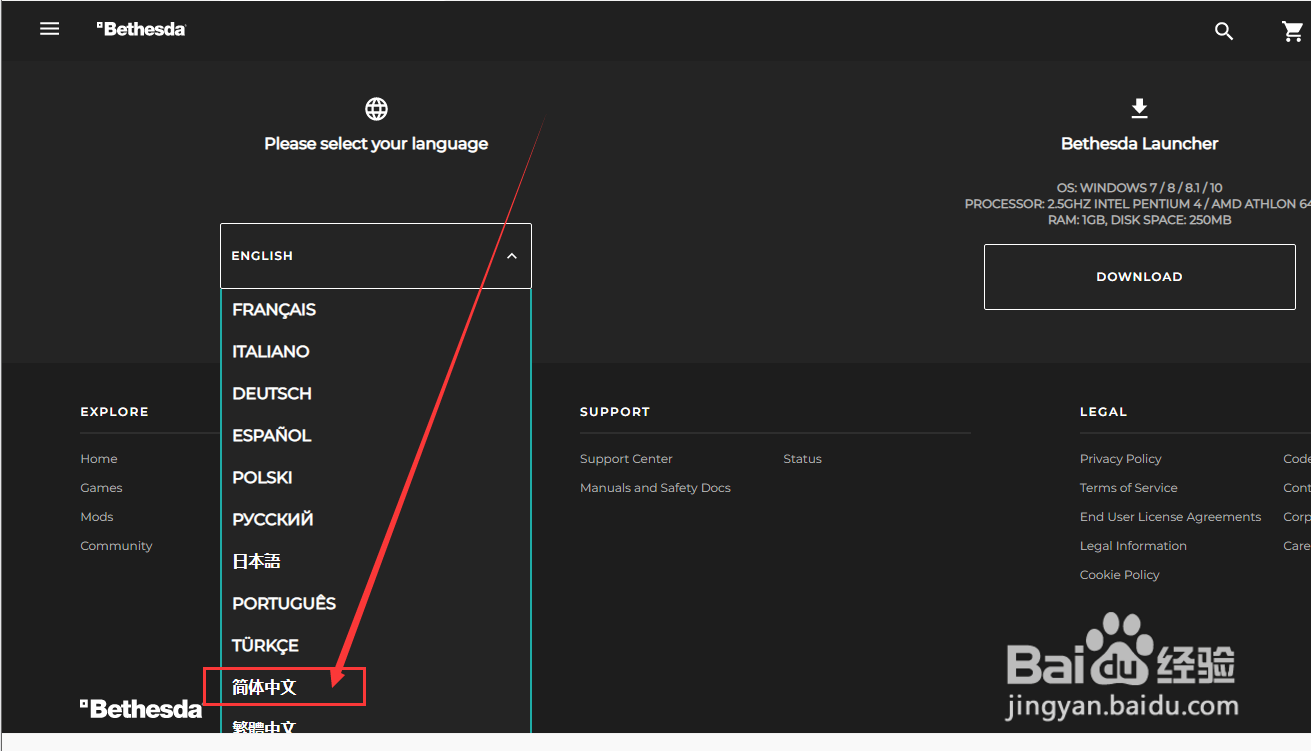
2、滚动网页到最底部, 将语言设置为中文
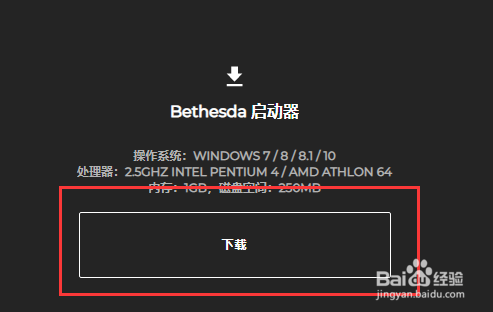
3、点击 "下载"
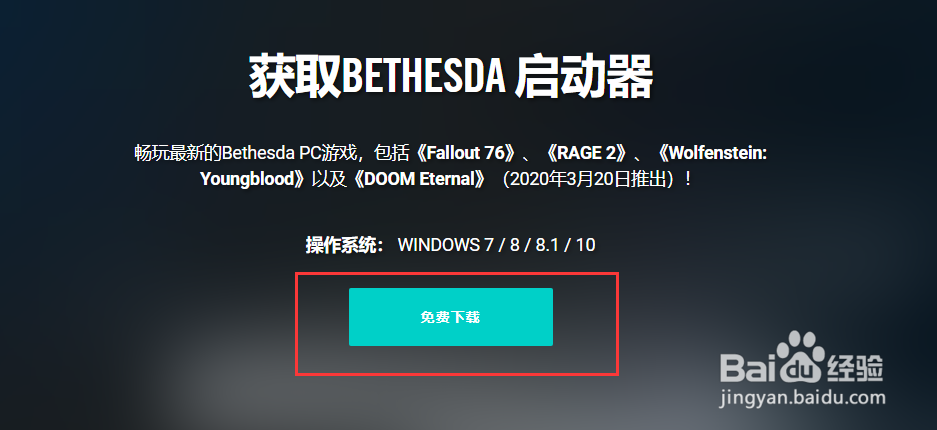
4、点击 "免费下载", 并将其保存到桌面
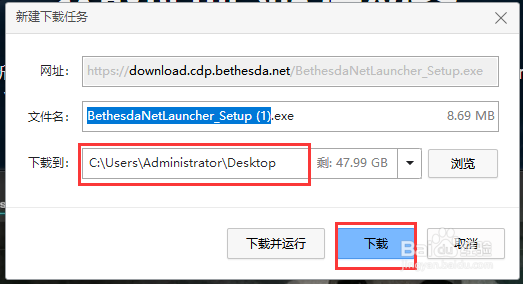
5、双击启动安装程序
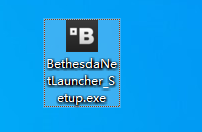
6、点击 "下一步"

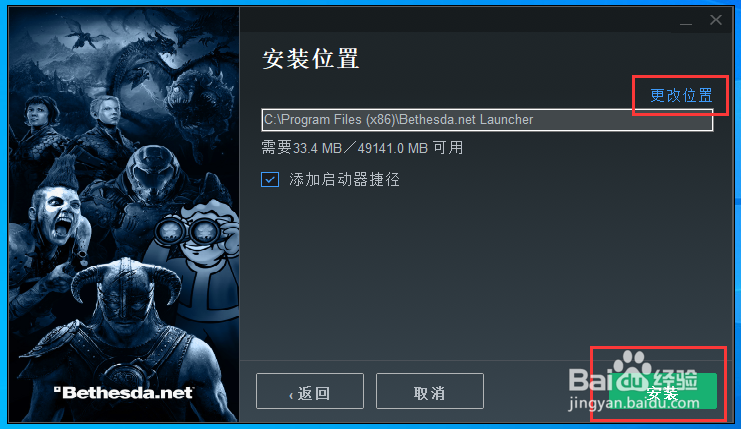
7、点击 "更改位置"即可自定义安装位置,示例为默认安装路径. 然后点击 "安装"
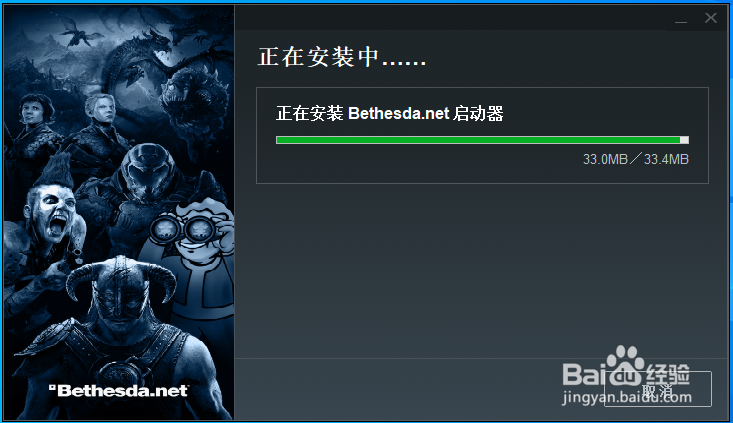
8、桌面出现图标, 至此安装完毕

阅读量:186
阅读量:170
阅读量:30
阅读量:196
阅读量:40
1、首先打开百度搜索 "Bethesda", 确认地址无误后点击进入
2、滚动网页到最底部, 将语言设置为中文
3、点击 "下载"
4、点击 "免费下载", 并将其保存到桌面
5、双击启动安装程序
6、点击 "下一步"
7、点击 "更改位置"即可自定义安装位置,示例为默认安装路径. 然后点击 "安装"
8、桌面出现图标, 至此安装完毕