GoodNotes怎么关闭状态栏
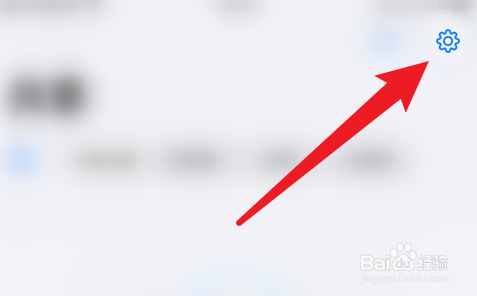
1、手机打开“GoodNotes”App,GoodNotes主界面点击右上角的“齿轮”图标打开系统信息界面
2、系统信息界面点击“设置”打开设置界面

3、设置界面点击“文稿编辑”打开文稿编辑设置界面

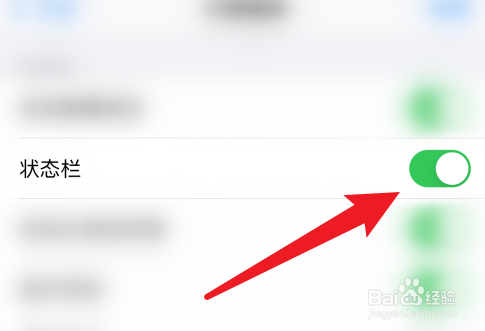
4、最后文稿编辑设置界面点击“状态栏”后面的圆点即可关闭
阅读量:55
阅读量:178
阅读量:65
阅读量:88
阅读量:36
1、手机打开“GoodNotes”App,GoodNotes主界面点击右上角的“齿轮”图标打开系统信息界面
2、系统信息界面点击“设置”打开设置界面
3、设置界面点击“文稿编辑”打开文稿编辑设置界面
4、最后文稿编辑设置界面点击“状态栏”后面的圆点即可关闭