Eclipse如何更换主题
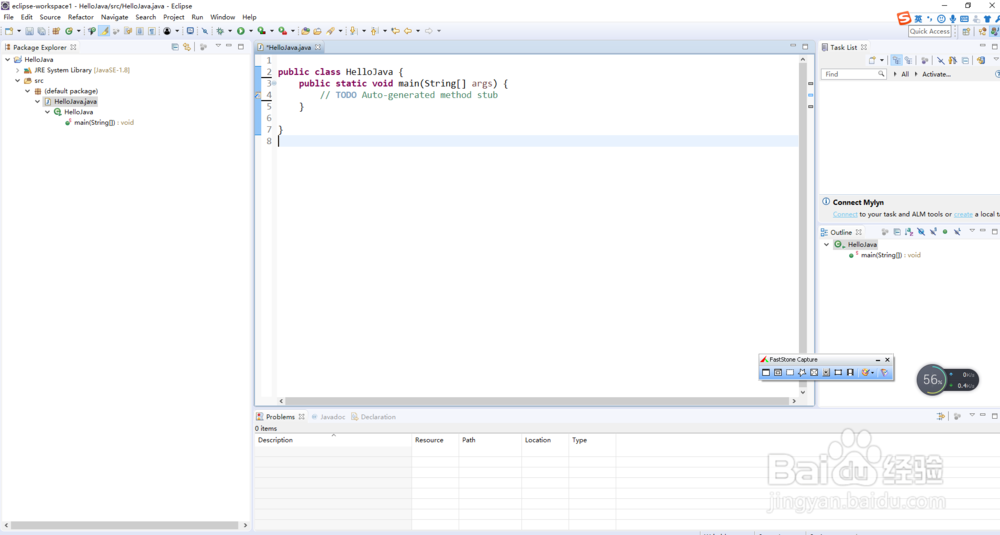
1、第一步:默认主题效果
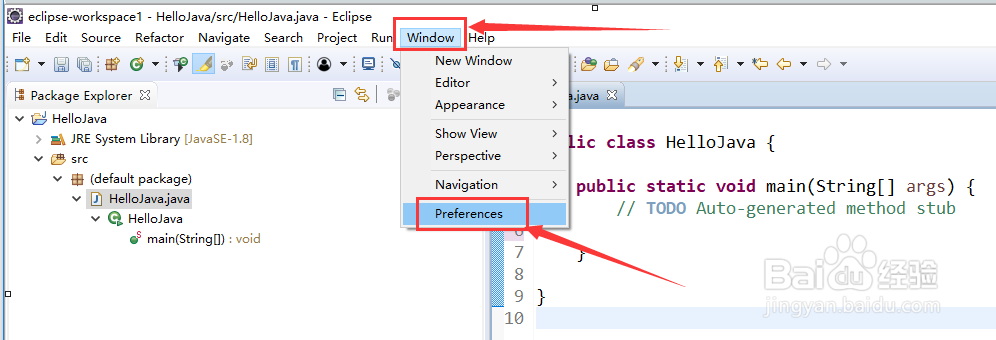
2、第二步:选中“window”->“preference”

3、第三步:选中并展开“general”

4、第四步:选中“Appearance”,修改右侧“Theme”参数为“dark”


5、第五步:修改后效果

阅读量:107
阅读量:49
阅读量:97
阅读量:136
阅读量:75
1、第一步:默认主题效果
2、第二步:选中“window”->“preference”
3、第三步:选中并展开“general”
4、第四步:选中“Appearance”,修改右侧“Theme”参数为“dark”
5、第五步:修改后效果