Mac系统中如何关闭guest用户
1、打开System Preferences
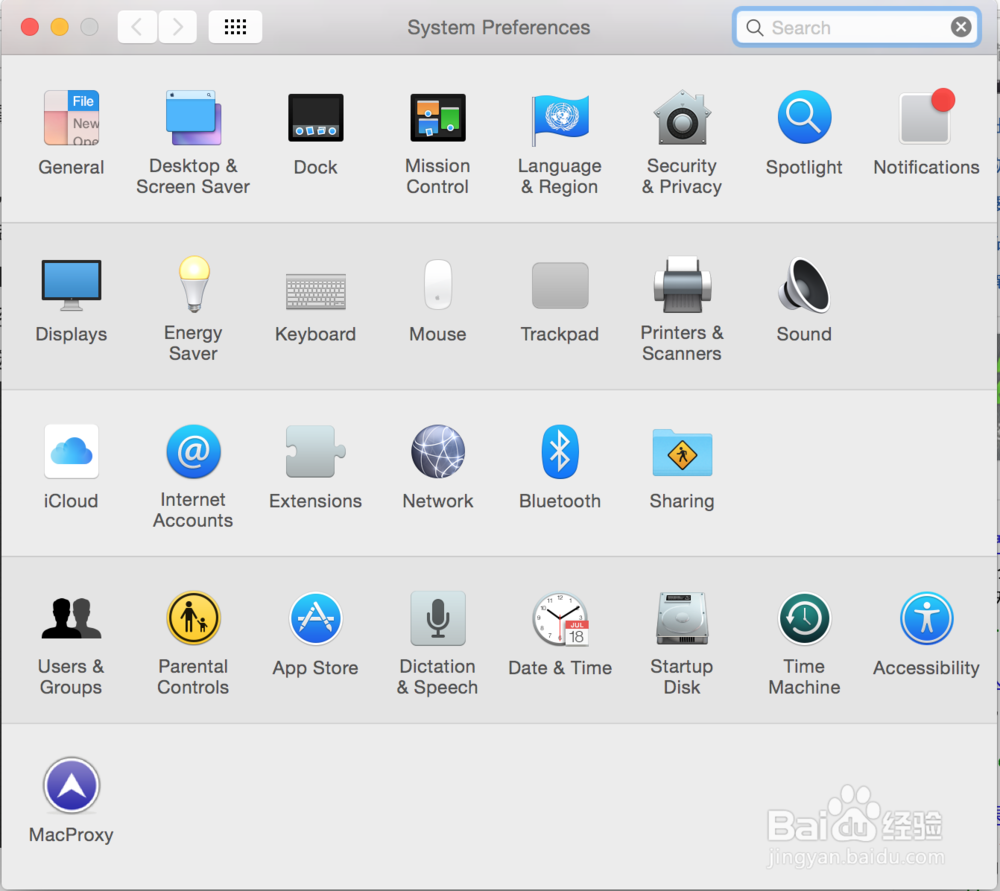
2、选择Users&Groups
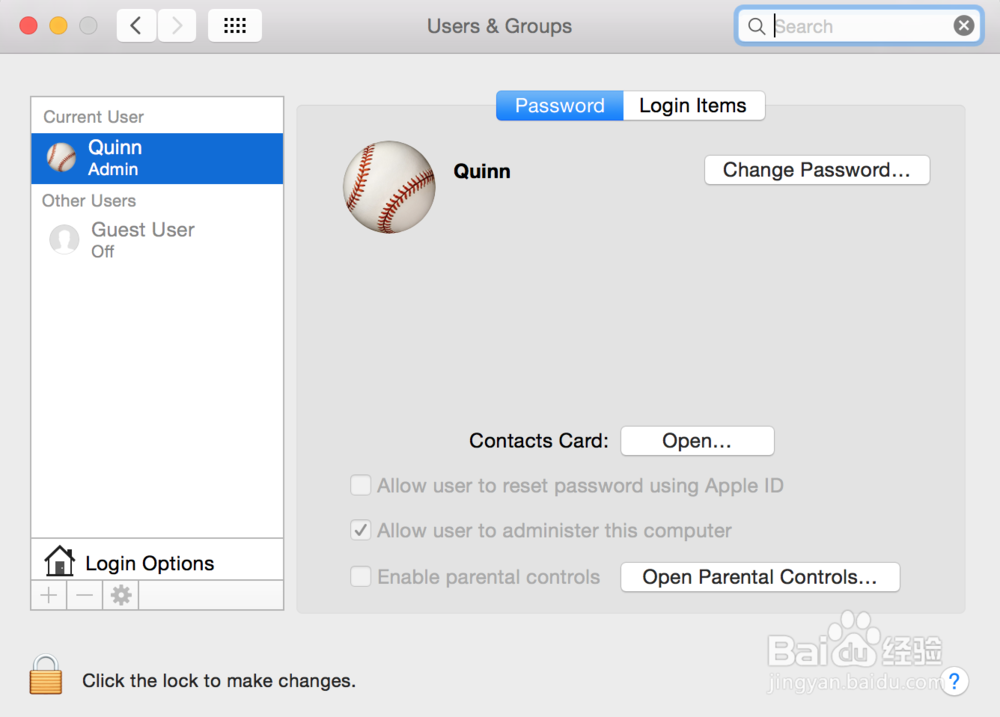
3、点击左下角解锁

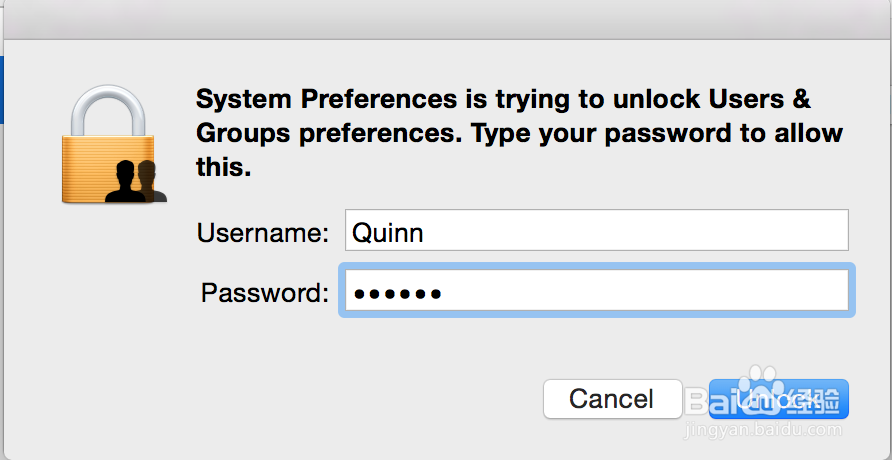
4、点击左边的guest用户,在右侧将Allow guest to log in to this computer选项前面的勾取消掉。

5、ok,大功告成!
阅读量:69
阅读量:49
阅读量:173
阅读量:22
阅读量:67
1、打开System Preferences
2、选择Users&Groups
3、点击左下角解锁
4、点击左边的guest用户,在右侧将Allow guest to log in to this computer选项前面的勾取消掉。
5、ok,大功告成!