如何以连续的数字输出当前的时分秒?
1、打开Windows Powershell程序窗口;
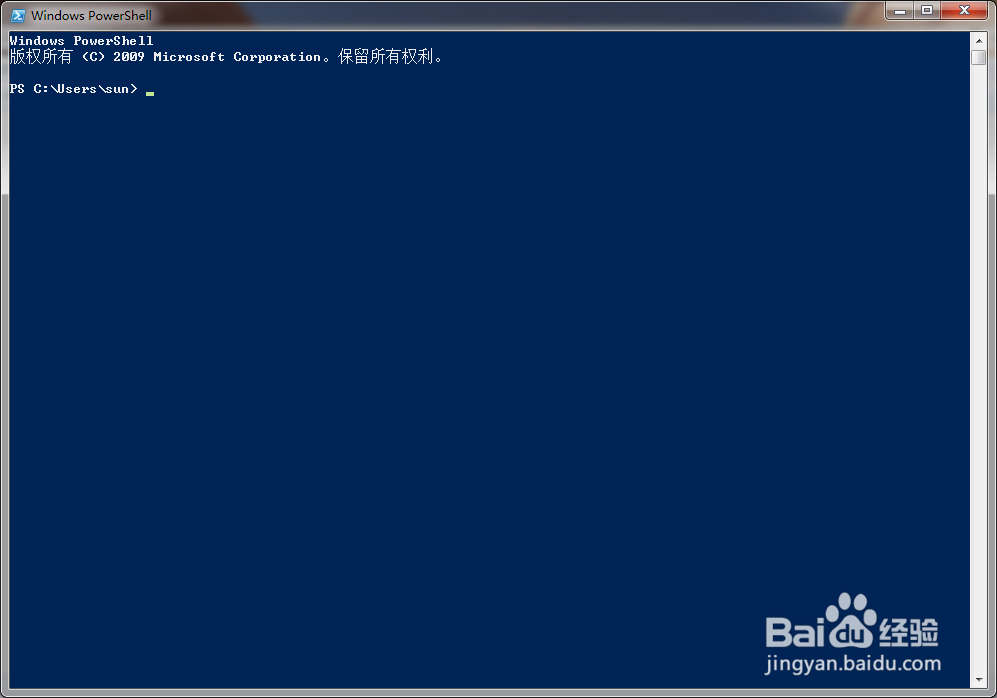
2、在Powershell中输入 get-date ,使用该指令查询时间;
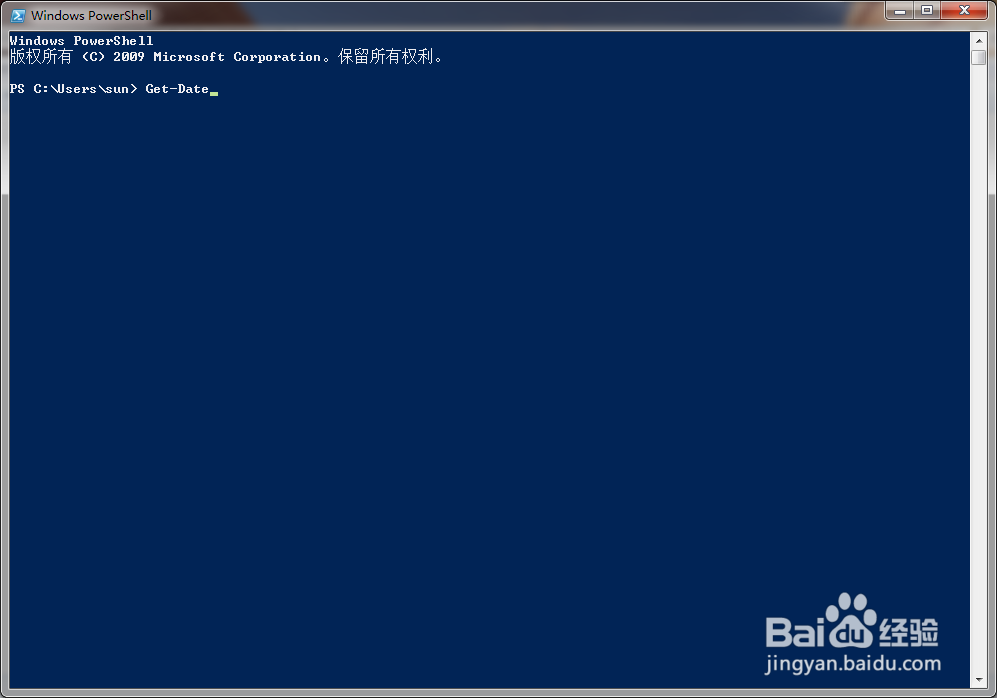
3、设定格式参数 -Format ;
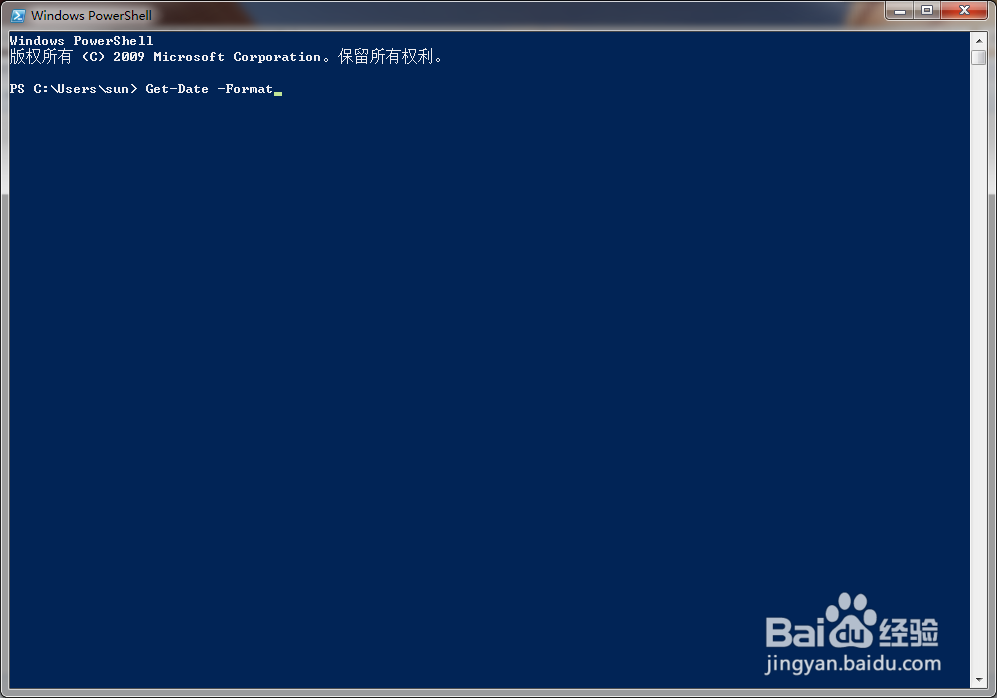
4、指明输入时分秒的格式 hhmmss ;
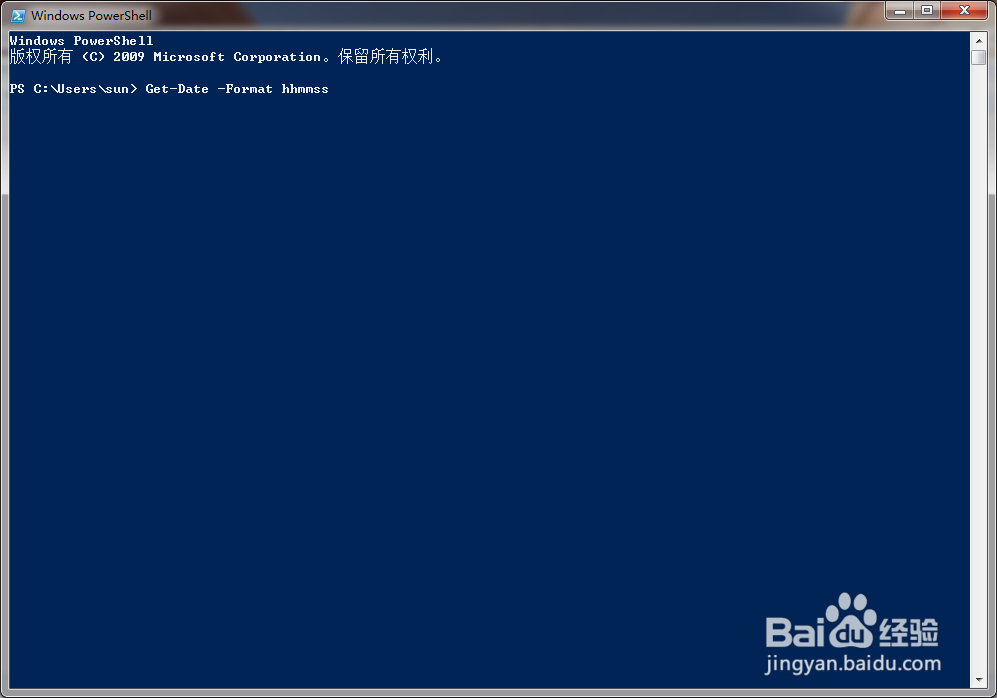
5、点击回车后,当前时分秒以连续数字显示出来;

6、Get-Date 不带任何参数时的时间输出格式。

阅读量:139
阅读量:101
阅读量:32
阅读量:138
阅读量:137
1、打开Windows Powershell程序窗口;
2、在Powershell中输入 get-date ,使用该指令查询时间;
3、设定格式参数 -Format ;
4、指明输入时分秒的格式 hhmmss ;
5、点击回车后,当前时分秒以连续数字显示出来;
6、Get-Date 不带任何参数时的时间输出格式。