smartART图形更改版式的方法
1、打开Powerpoint,页面中插入的smartART图形。

2、双击图片,激活smartART工具菜单。

3、点击smartART设计,在smartART版式下拉菜单中选择其他版式。
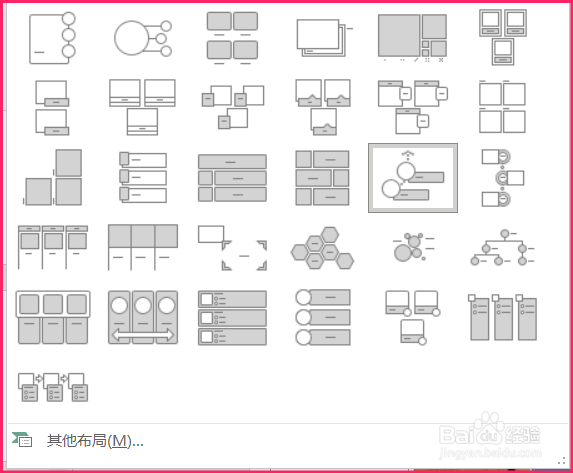
4、smartART图形的版式就重新调整好了。

阅读量:106
阅读量:133
阅读量:100
阅读量:193
阅读量:30
1、打开Powerpoint,页面中插入的smartART图形。
2、双击图片,激活smartART工具菜单。
3、点击smartART设计,在smartART版式下拉菜单中选择其他版式。
4、smartART图形的版式就重新调整好了。