闪回 简体中文硬盘版下载
1、配置要求
Minimum:
OS: Windows® XP SP3 / Windows® Vista SP2 / Windows® 7 SP1
Processor: Core 2 Duo E4400 2.0GHz or Athlon 64 X2 Dual Core 4200+
Memory: 1 GB RAM
Graphics: 256 MB DirectX® 9 / Radeon HD 2600XT or GeForce 7600 GS
DirectX: Version 9.0c
Network: Broadband Internet connection
Hard Drive: 3 GB available space
Sound Card: DirectX 9.0-compliant sound card
2、Recommended:
OS: Windows® XP SP3 / Windows® Vista SP2 / Windows® 7 SP1
Processor: Core 2 Duo E6600 2.4GHz or Athlon 64 X2 Dual Core 5600+
Memory: 2 GB RAM
Graphics: 512 MB DirectX® 9 / Radeon HD 3470 or GeForce 8600GT
DirectX: Version 9.0c
Network: Broadband Internet connection
Hard Drive: 3 GB available space
Sound Card: DirectX 9.0-compliant sound card
3、
闪回安装流程:
下载完之后解压缩,点击Flashback.CHS-Setup的EXE程序开始安装,游戏安装过程无问题。
游戏主程序安装完成后,双击游戏却会弹出下图对话框:
点确定会进入uplay网页,取消
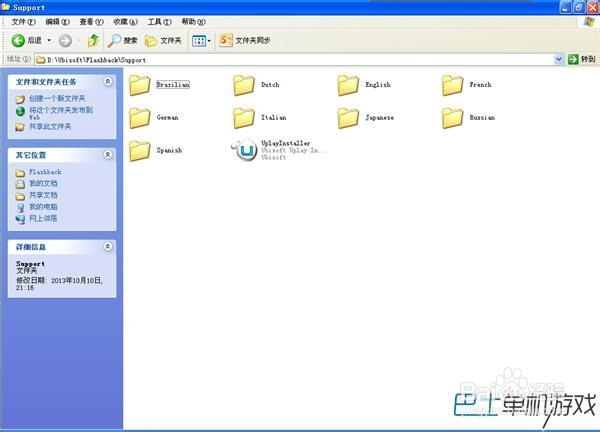
这是因为,游戏还缺少了一个UPlay程序,找到游戏的安装目录,打开Flashback\Support,如下图:
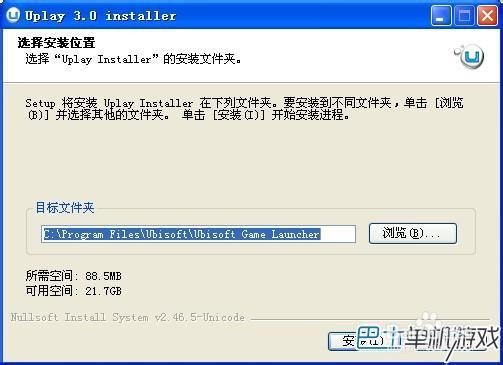
双击UplayInstaller开始安装选择安装位置,点安装
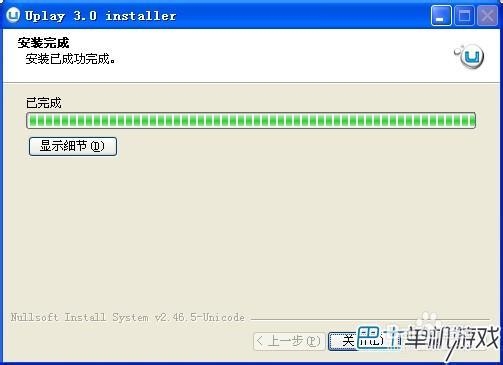
之后会自动安装,完成后出来如下提示:
点击关闭完成安装
安装完成才能正常打开游戏。