在PowerPoint中如何添加SmartArt列表图?
1、打开PowerPoint软件。

2、点击“插入”选项卡。

3、点击“SmartArt”菜单。

4、点击列表。

5、选择列表图样式。

6、点击确定。

7、在左边文字输入窗口即可输入文字。

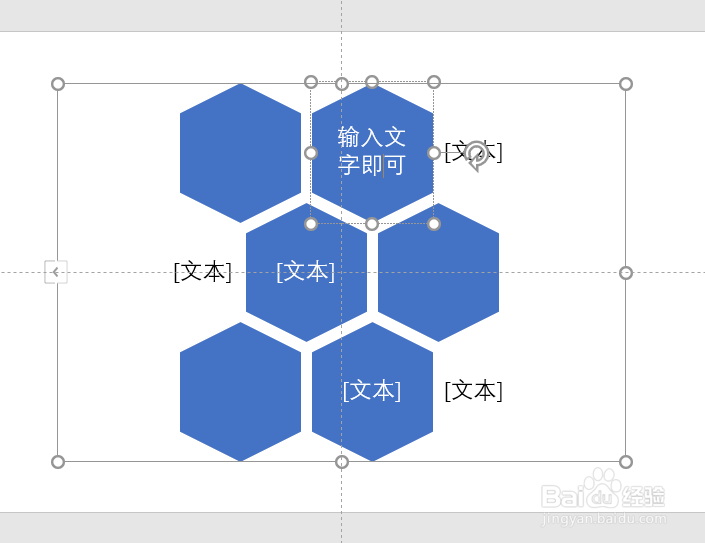
8、SmartArt列表图添加完成。
阅读量:113
阅读量:151
阅读量:140
阅读量:70
阅读量:105
1、打开PowerPoint软件。
2、点击“插入”选项卡。
3、点击“SmartArt”菜单。
4、点击列表。
5、选择列表图样式。
6、点击确定。
7、在左边文字输入窗口即可输入文字。
8、SmartArt列表图添加完成。