WebStorm怎么设置在完成弹出窗口中标记最相关项
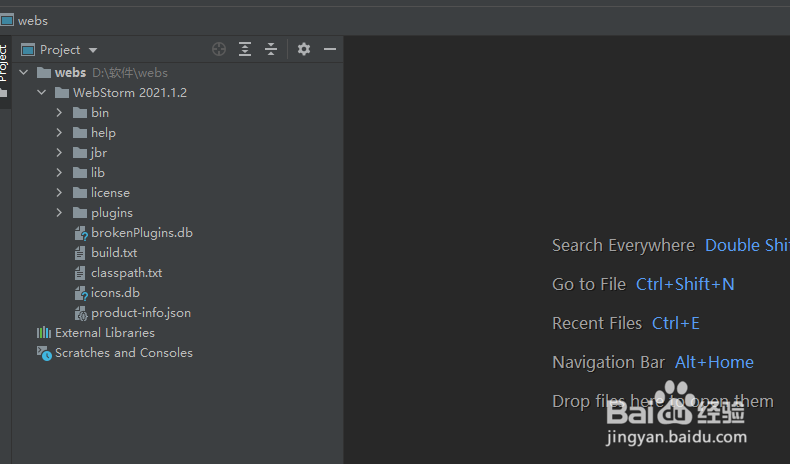
1、打开一个WebStorm的界面中
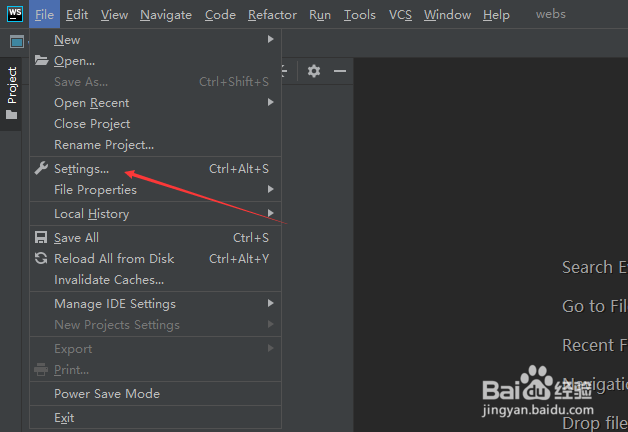
2、点击左上角中的file菜单

3、弹出了下拉菜单选中为settings选项
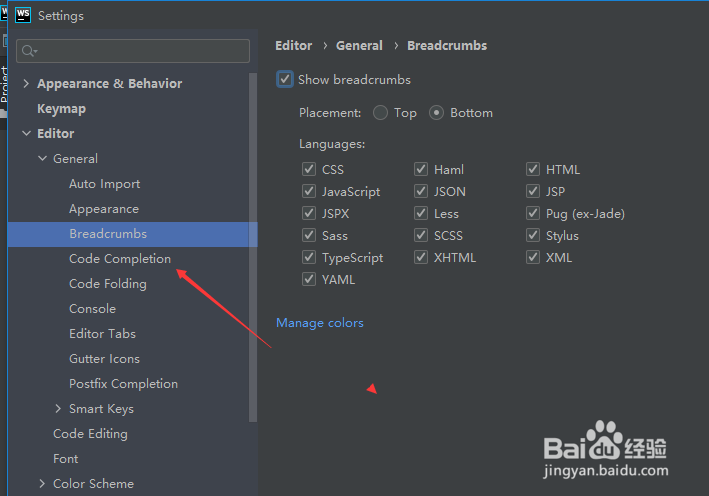
4、点击左侧中code completion选项
5、进入到了code completion的界面中,勾选上mark the most relevant item in completion popup if it exists选项
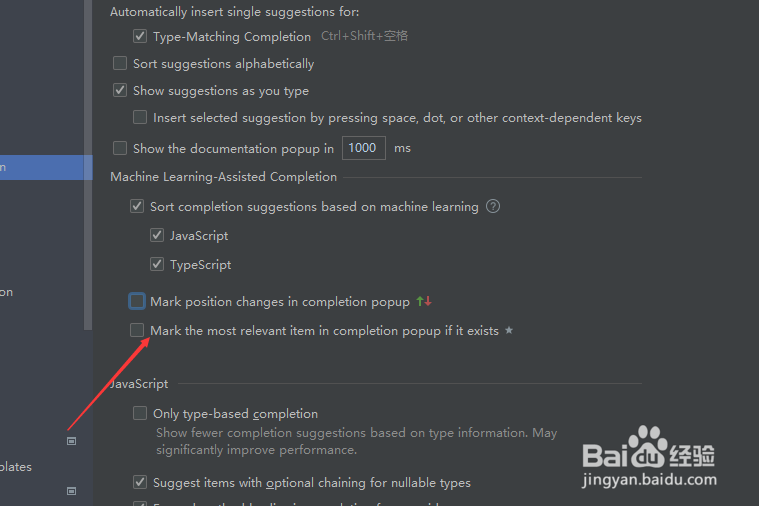
6、勾选上mark the most relevant item in completion popup if it exists选项之后,点击ok按钮

阅读量:139
阅读量:98
阅读量:188
阅读量:27
阅读量:172