如何使用phpMyAdmin将表数据导出到php文件中
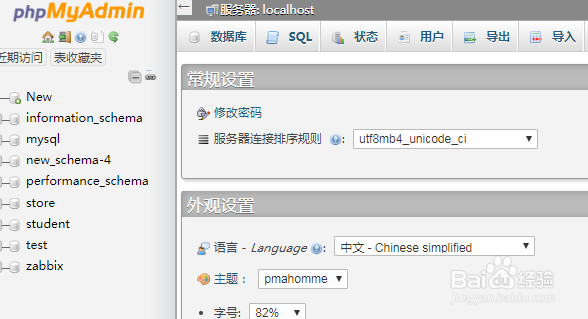
1、登录phpMyAdmin 管理界面

2、点击【数据库】标签页
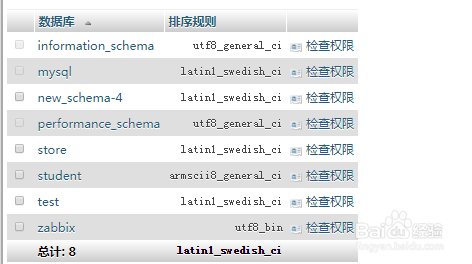
3、此时显示已有数据库列表,点击要操作的数据库,如student
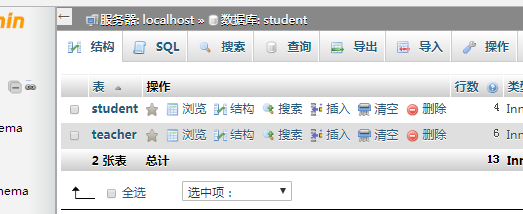
4、选择要操作的表,如teacher
5、点击【导出】

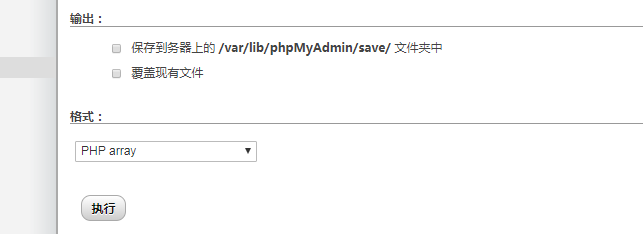
6、格式选择【php array】,点击【导出】
7、此时生成了导出的php文件

阅读量:192
阅读量:81
阅读量:174
阅读量:180
阅读量:39
1、登录phpMyAdmin 管理界面
2、点击【数据库】标签页
3、此时显示已有数据库列表,点击要操作的数据库,如student
4、选择要操作的表,如teacher
5、点击【导出】
6、格式选择【php array】,点击【导出】
7、此时生成了导出的php文件