smartPPT中插入图片方法

2026-04-06 19:52:06

1、找到smartPPT快捷图标。

smartPPT中插入图片方法

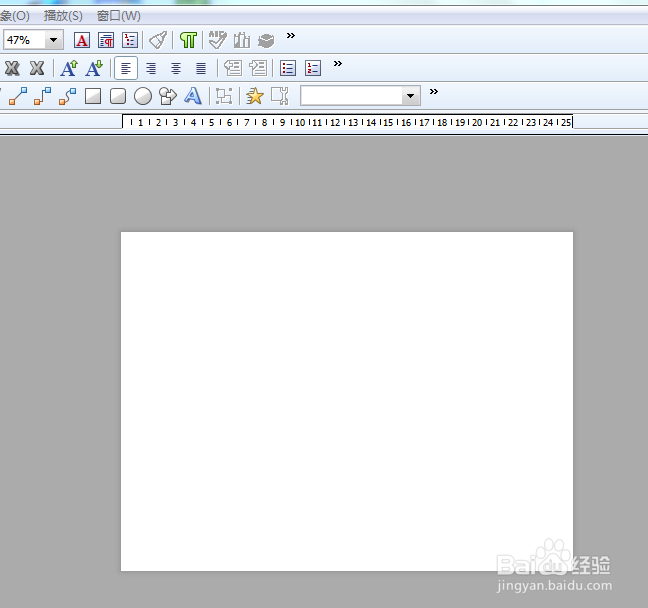
2、打开PPT页面。

smartPPT中插入图片方法

3、找到菜单栏第四栏(对象栏)第三个图片图标。然后在页面中拖动,松开鼠标后会弹出选择的文件的对话框,选择插入的图片即可。

smartPPT中插入图片方法

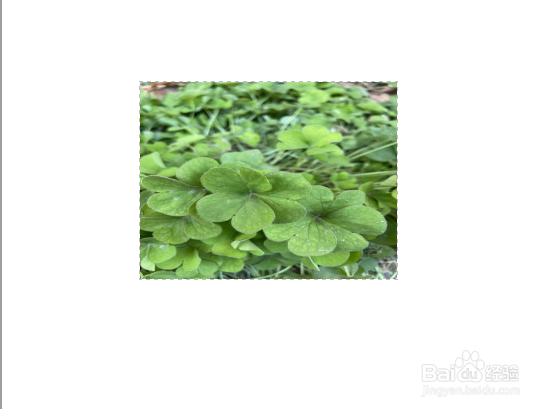
4、图片即插入页面了。

smartPPT中插入图片方法

相关推荐
  • 阅读量:188
  • 阅读量:106
  • 阅读量:81
  • 阅读量:73
  • 阅读量:185
  • 猜你喜欢