如何设置Vantage Event notifications停用
1、Vantage首页点击左上角的【二】打开Options界面

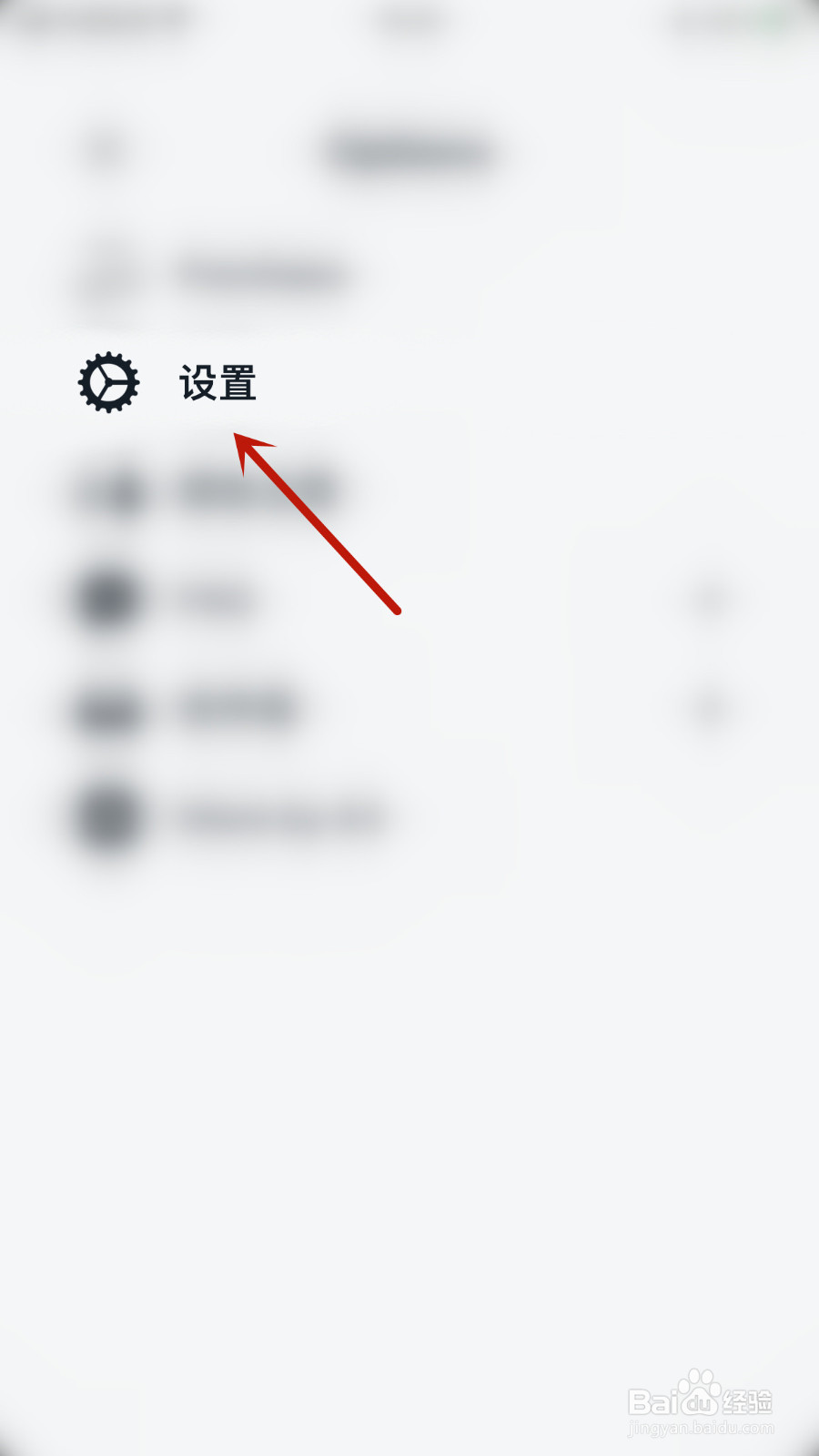
2、Options界面点击【设置】打开设置界面
3、设置界面点击【Event notifications】后面的圆点

4、【Event notifications】后面的圆点变为灰色即表示设置Vantage Event notifications停用成功

阅读量:139
阅读量:135
阅读量:60
阅读量:187
阅读量:70
1、Vantage首页点击左上角的【二】打开Options界面
2、Options界面点击【设置】打开设置界面
3、设置界面点击【Event notifications】后面的圆点
4、【Event notifications】后面的圆点变为灰色即表示设置Vantage Event notifications停用成功