Windows10获取更多主题的方法
1、电脑左下角,开始,设置;

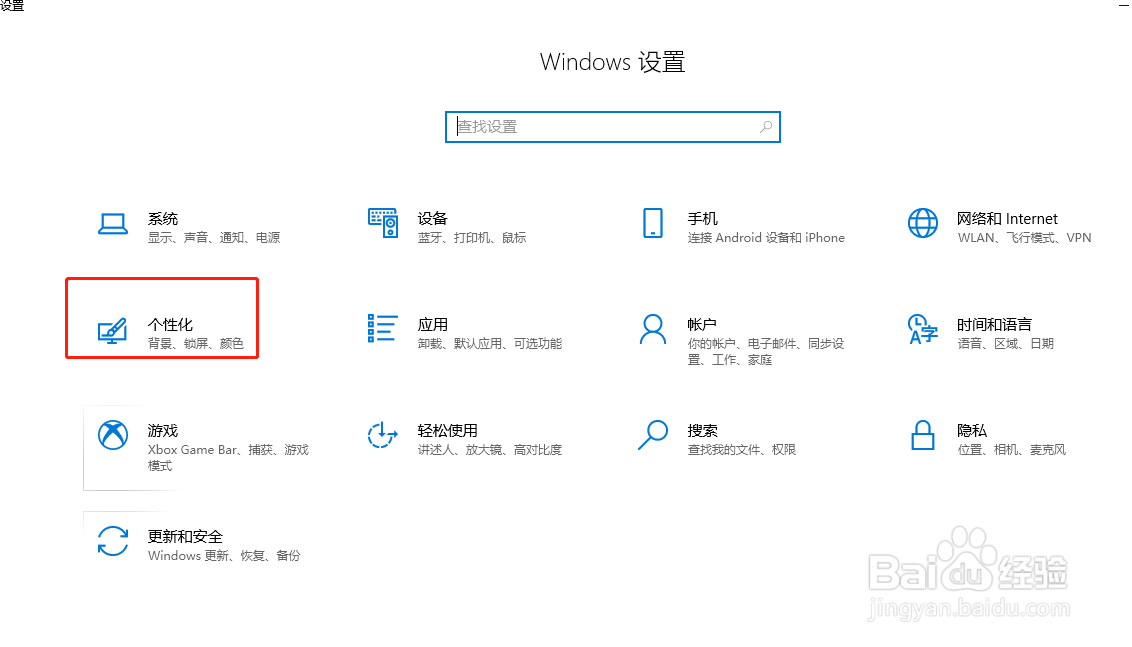
2、进入,个性化;
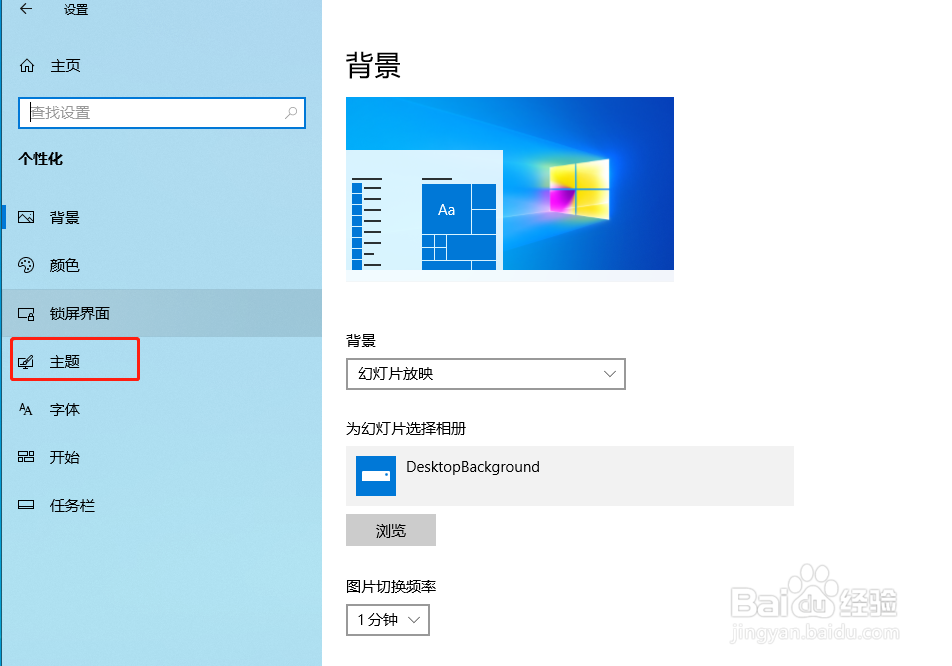
3、左侧,主题;
4、中间,在 Microsoft Store 中获取更多主题;

5、最后,完成操作;

6、以上就是,Windows10获取更多主题的方法。
阅读量:188
阅读量:113
阅读量:119
阅读量:102
阅读量:135
1、电脑左下角,开始,设置;
2、进入,个性化;
3、左侧,主题;
4、中间,在 Microsoft Store 中获取更多主题;
5、最后,完成操作;
6、以上就是,Windows10获取更多主题的方法。