FastStone Image Viewer为图片添加文字
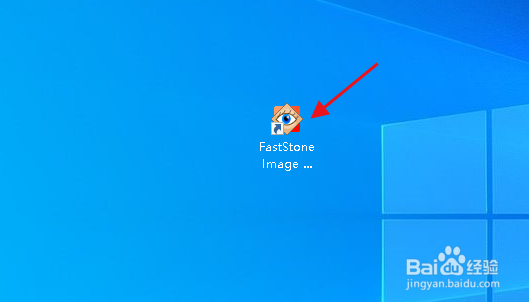
1、双击 FastStone Image Viewer 桌面快捷方式图标,打开软件。
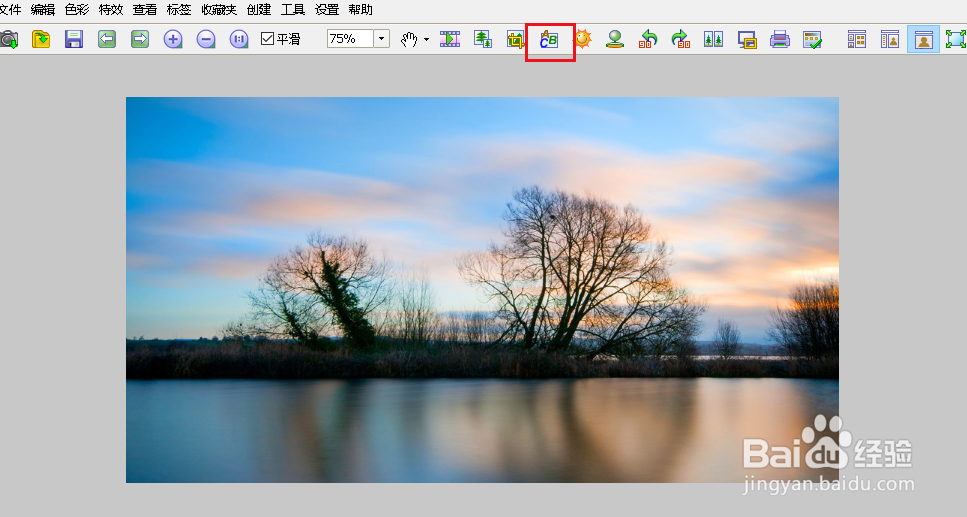
2、在“窗口模式”里打开图片,然后在工具栏点击文字线条工具。
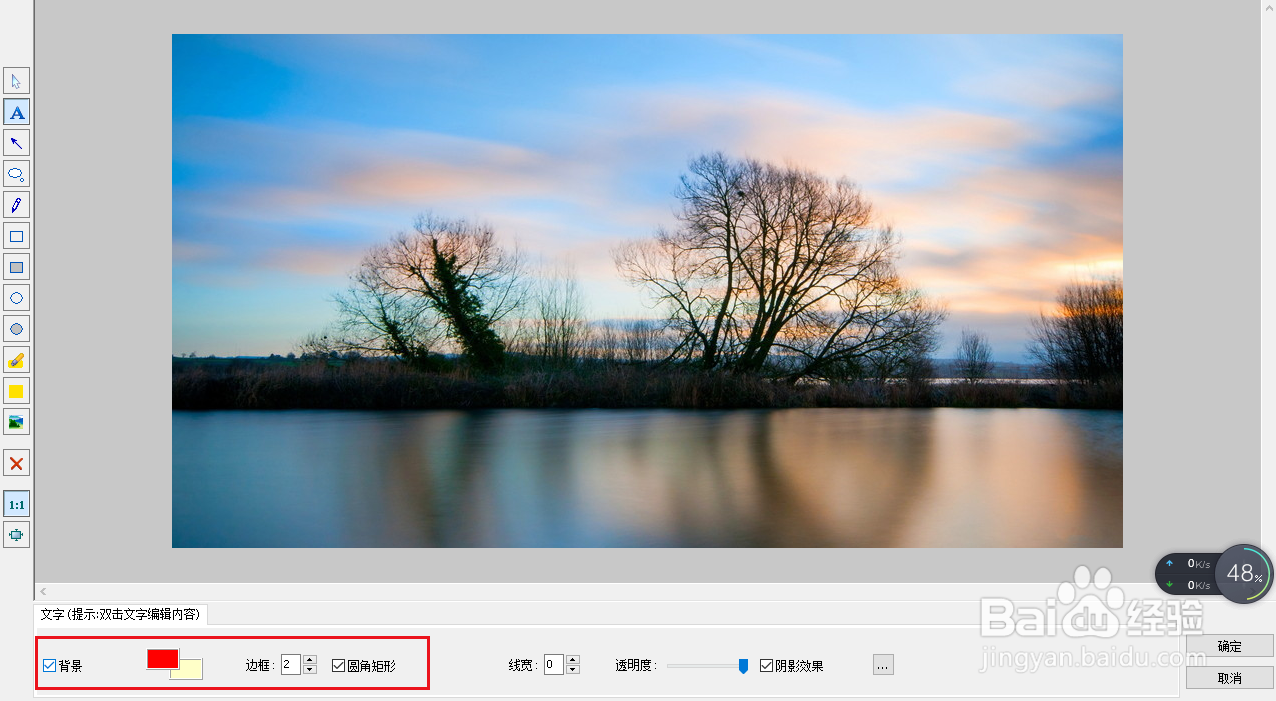
3、点击左侧工具中的“A”,然后你可以选择或取消选择文字的背景颜色以及背景颜色边框。
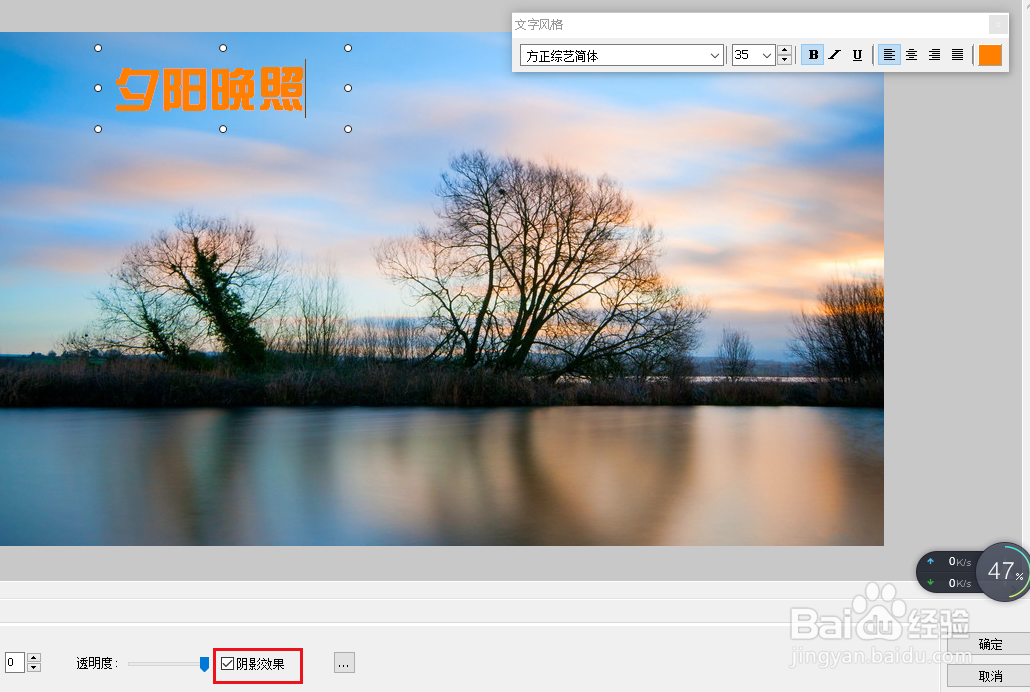
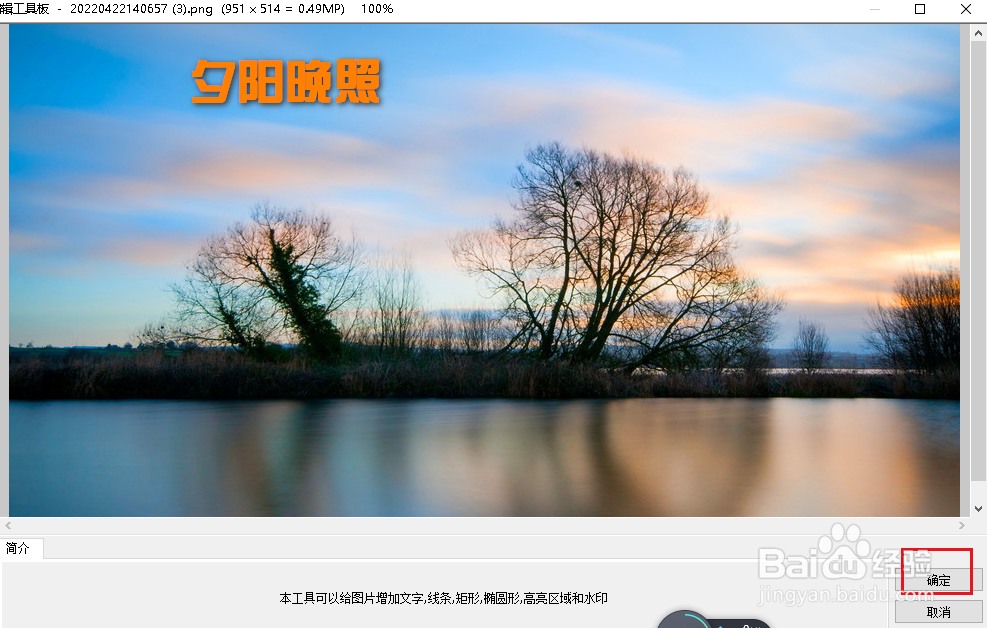
4、本示例中取消了“背景”复选框。然后鼠标点击图像。选择文字颜色、字体、大小。另外我选择了阴影。
完成设置后,在图像上输入文字。
5、点击“确定”,操作完毕!
阅读量:170
阅读量:55
阅读量:161
阅读量:67
阅读量:46