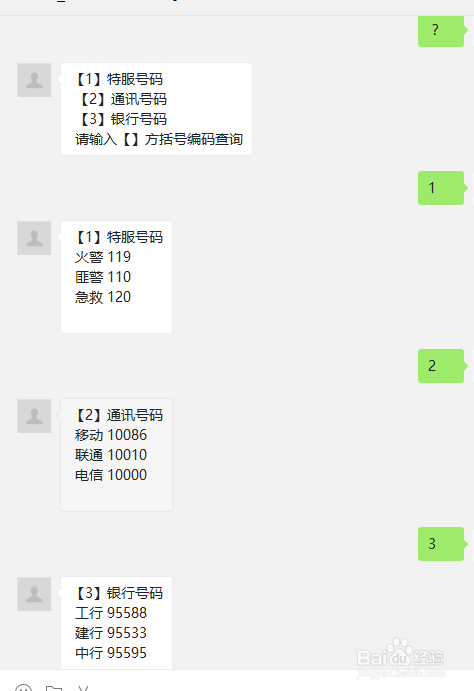
微信公众号开发之电话号码簿开发教程
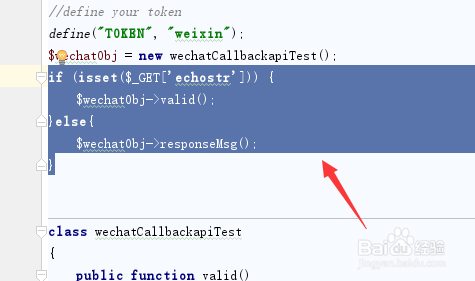
1、首先下载微信公众平台上的php接口代码,然后打开phpstorm进行改造,在对象$wechatObj = new wechatCallbackapiTest();下面加上:
if (isset($_GET['echostr'])) { $wechatObj->valid();}else{ $wechatObj->responseMsg();}
来进行接口验证判断
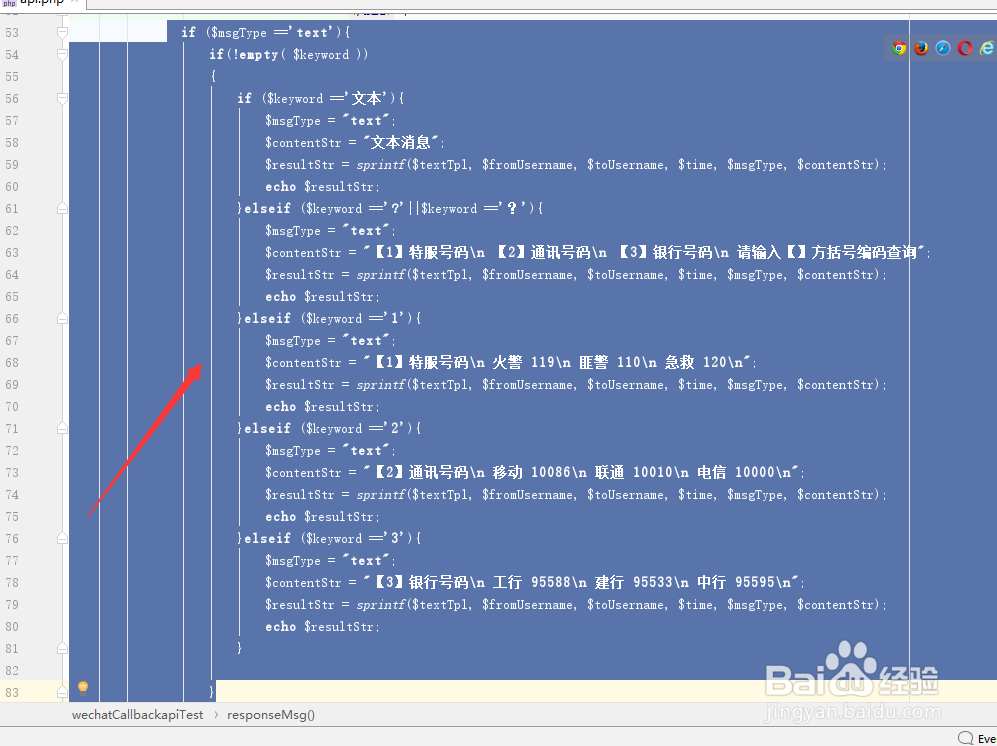
2、在responseMsg方法中进行修改,修改原先的单一回复微多选择回复。
if ($msgType =='text'){ if(!empty( $keyword )) { if ($keyword =='文本'){ $msgType = "text"; $contentStr = "文本消息"; $resultStr = sprintf($textTpl, $fromUsername, $toUsername, $time, $msgType, $contentStr); echo $resultStr; }elseif ($keyword =='?'||$keyword =='?'){ $msgType = "text"; $contentStr = "【1】特服号码\n 【2】通讯号码\n 【3】银行号码\n 请输入【】方括号编码查询"; $resultStr = sprintf($textTpl, $fromUsername, $toUsername, $time, $msgType, $contentStr); echo $resultStr; }elseif ($keyword =='1'){ $msgType = "text"; $contentStr = "【1】特服号码\n 火警 119\n 匪警 110\n 急救 120\n"; $resultStr = sprintf($textTpl, $fromUsername, $toUsername, $time, $msgType, $contentStr); echo $resultStr; }elseif ($keyword =='2'){ $msgType = "text"; $contentStr = "【2】通讯号码\n 移动 10086\n 联通 10010\n 电信 10000\n"; $resultStr = sprintf($textTpl, $fromUsername, $toUsername, $time, $msgType, $contentStr); echo $resultStr; }elseif ($keyword =='3'){ $msgType = "text"; $contentStr = "【3】银行号码\n 工行 95588\n 建行 95533\n 中行 95595\n"; $resultStr = sprintf($textTpl, $fromUsername, $toUsername, $time, $msgType, $contentStr); echo $resultStr; } }
3、第三步,将代码上传服务器后就可以实现了。是不是很简单呀!