SVN提交报错RA layer request failed解决方法
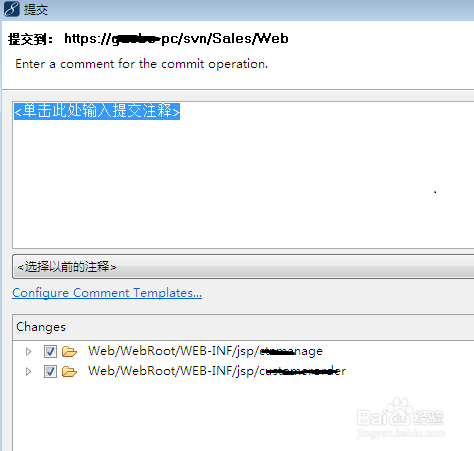
1、1.MyEclipse下SVN提交代码,报错RA layer request failed。


2、打开VisualSVN Server服务器,发现“VisualSVN Server is stopped ”,服务没有启动。
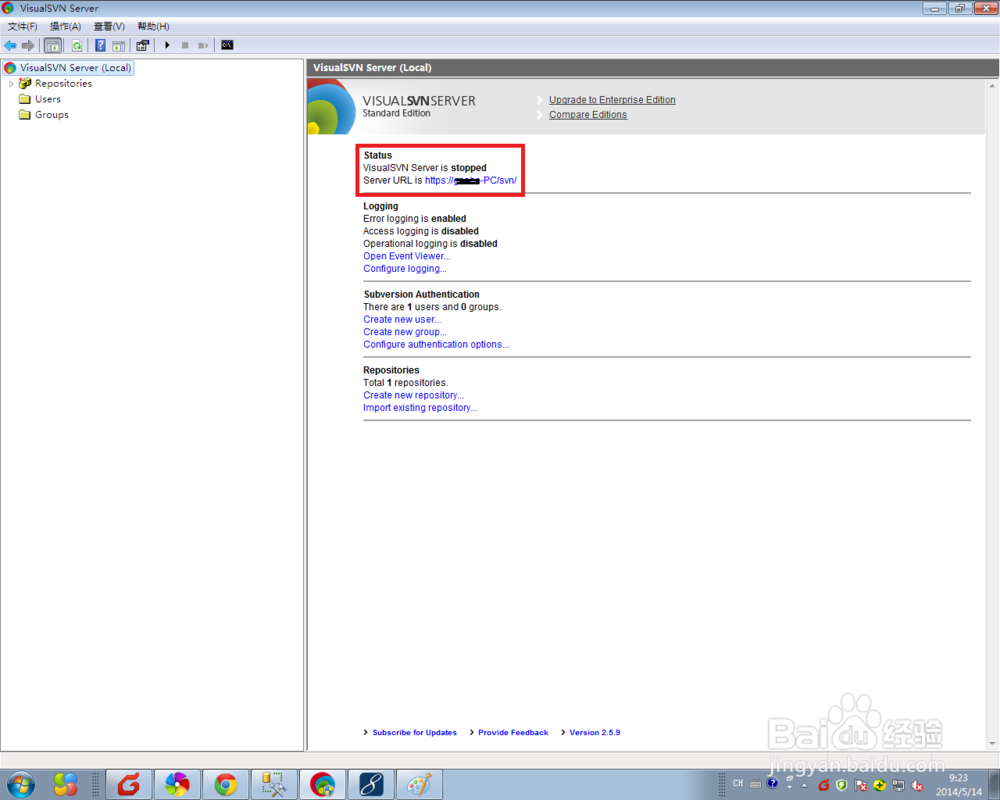
3、点击工具栏“操作”->“Start”,启动SVN服务器。


4、SVN服务器启动后,MyEclipse再次提交代码,成功!

阅读量:144
阅读量:152
阅读量:174
阅读量:171
阅读量:172