A potentially dangerous Request.Form解决方法
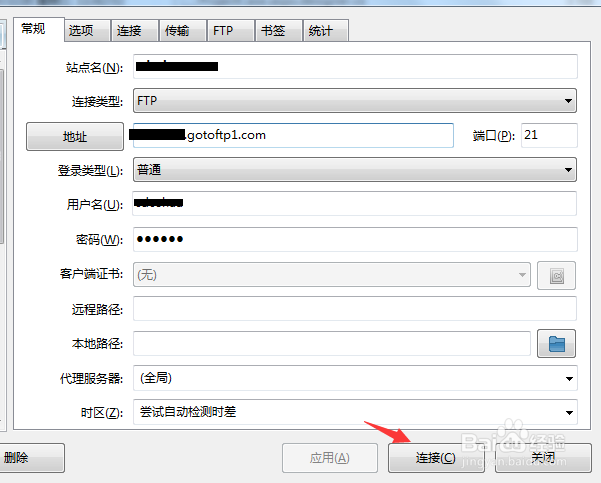
1、登录到服务器或者链接ftp找到网站所在文件夹。
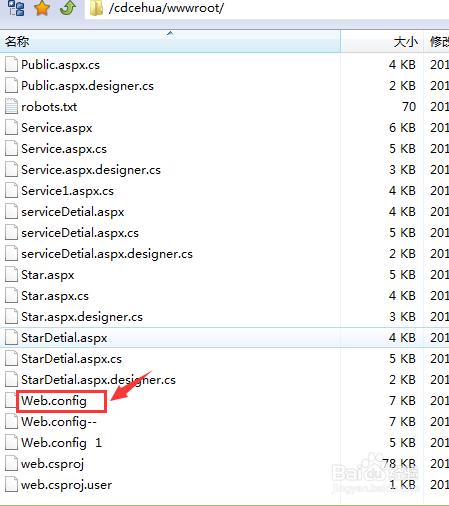
2、找到根目录下的配置文件,web.config,打开文件,进行编辑。
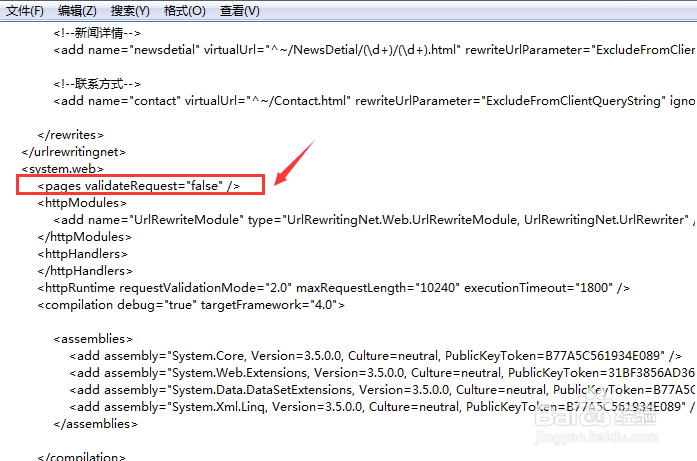
3、在<system.web></system.web>标签之中加入代码,<%@ Page validateRequest="false"%>,因为默认情况下是这个属性是true。
4、如果是.net 4.0之前的版本,做完这部分工作,就可以看到这个问题已经解决了,但是如果是.net 4.0和之后的版本。则还需加入配置代码: <compilation debug="true" targetFramework="4.0"/> <httpRuntime requestValidationMode="2.0"/>
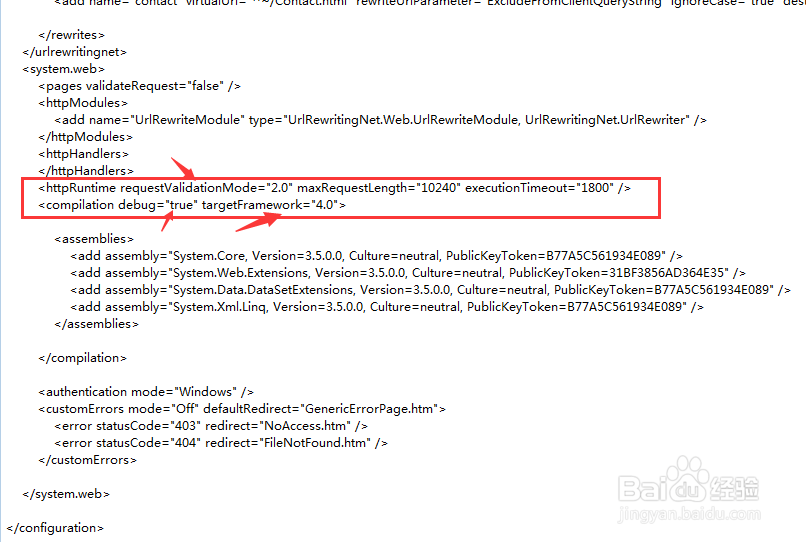
5、保存文件,再次测试功能,完成。