Snagit 2019 Editor怎么设置编辑器背景色为白色
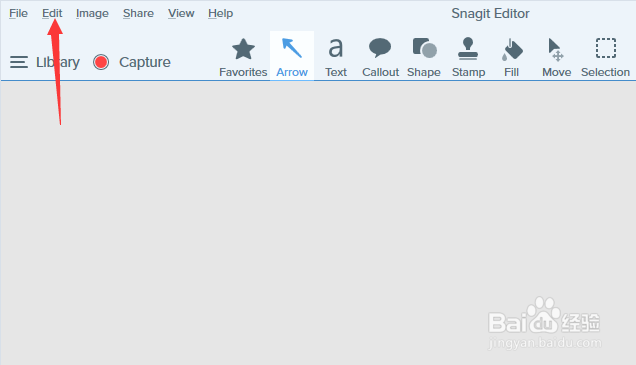
1、首先,点击菜单中的edit菜单
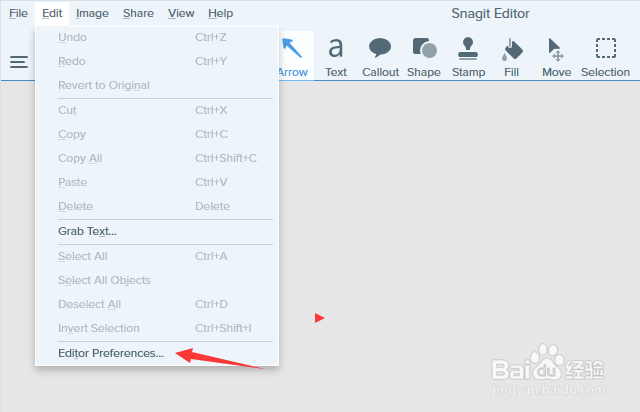
2、弹出了下拉菜单选中为edit preferences选项
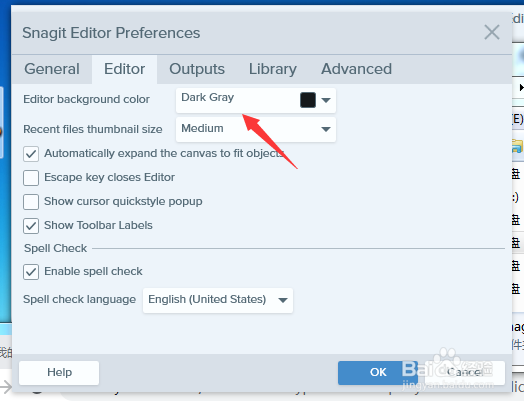
3、点击editor background color选项
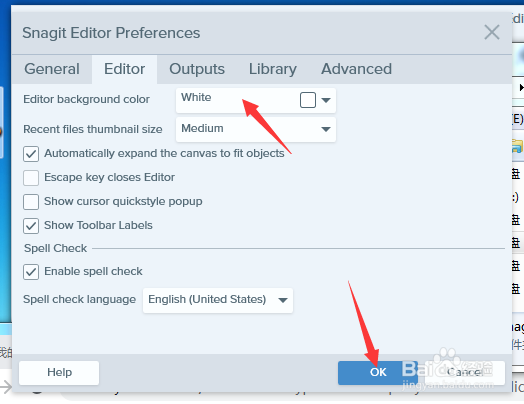
4、选择为white选项之后,点击ok按钮
阅读量:143
阅读量:26
阅读量:36
阅读量:95
阅读量:87
1、首先,点击菜单中的edit菜单
2、弹出了下拉菜单选中为edit preferences选项
3、点击editor background color选项
4、选择为white选项之后,点击ok按钮