MTK改温控!发挥联发科真正性能!
1、打开 RE文件管理器 找到根目录下的 etc文件夹
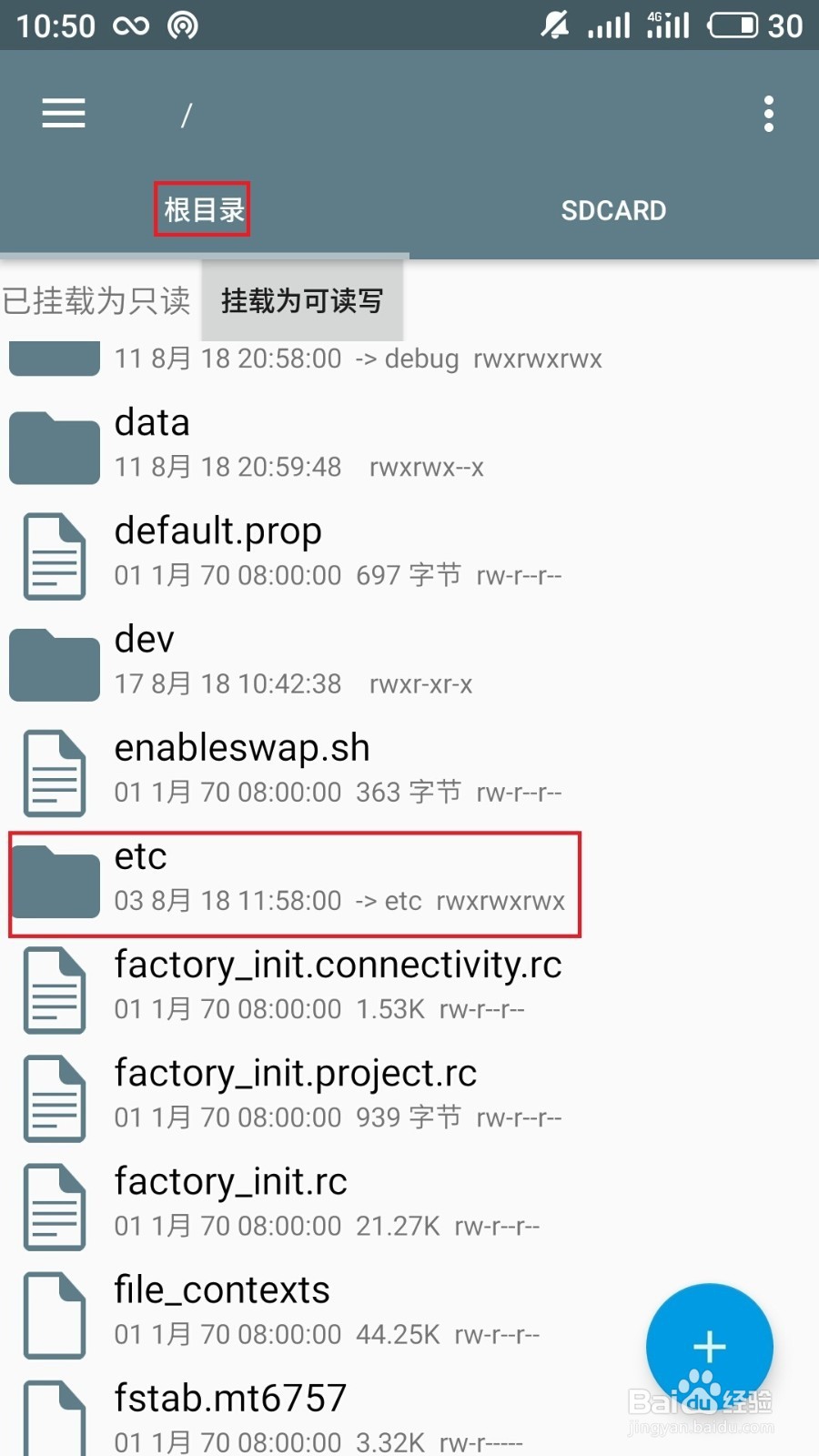
2、打开 etc文件夹

3、找到 etc文件夹的 .tp文件夹

4、打开.tp文件夹找到温控文件 thermal.conf和thermal.off.conf

5、thermal.off.conf文件并编辑此文件

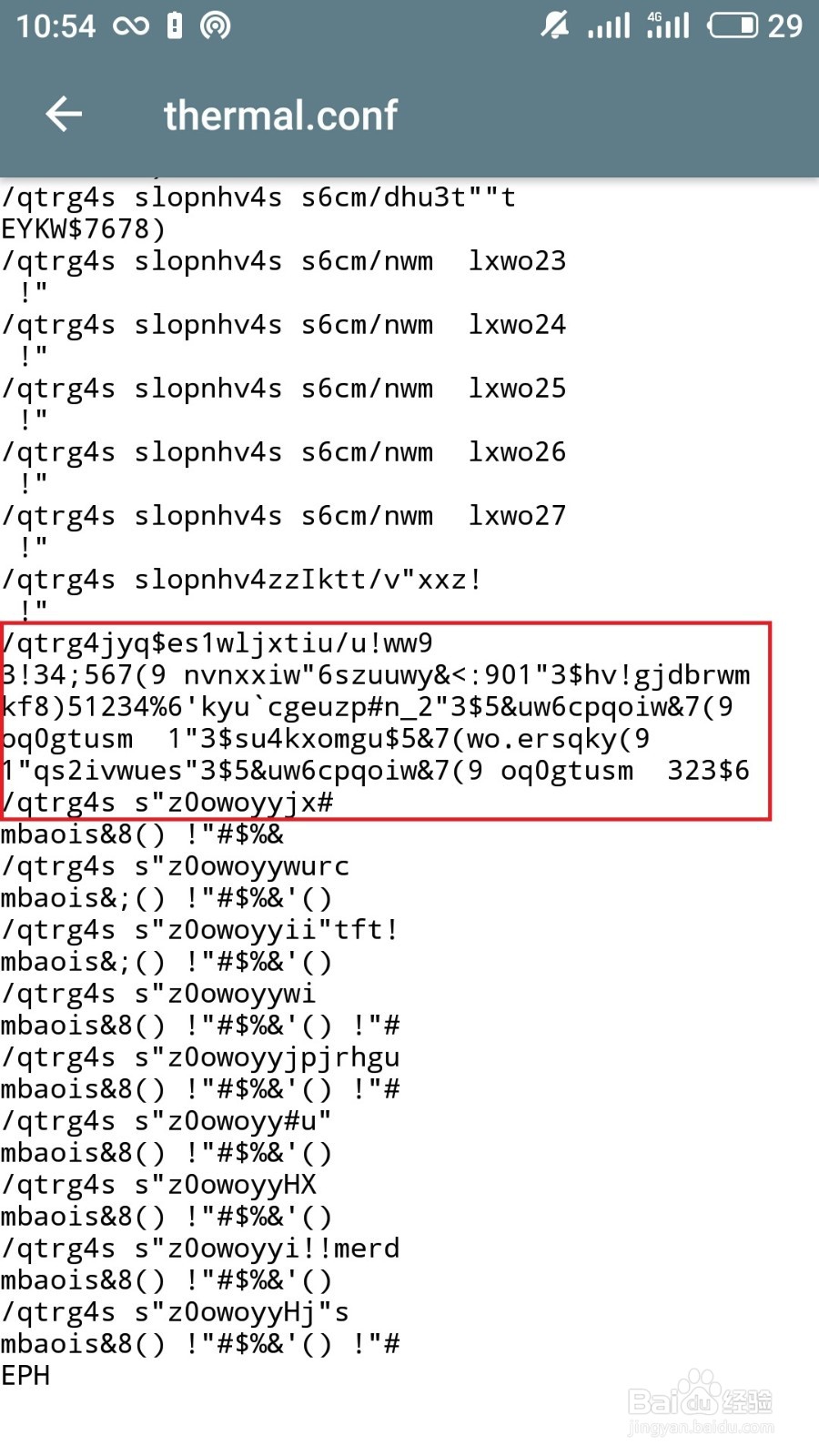
6、打开thermal.off.conf文件图片

7、修改后的图片
阅读量:138
阅读量:29
阅读量:94
阅读量:181
阅读量:194
1、打开 RE文件管理器 找到根目录下的 etc文件夹
2、打开 etc文件夹
3、找到 etc文件夹的 .tp文件夹
4、打开.tp文件夹找到温控文件 thermal.conf和thermal.off.conf
5、thermal.off.conf文件并编辑此文件
6、打开thermal.off.conf文件图片
7、修改后的图片