Axure RP8怎样启用代理服务器?
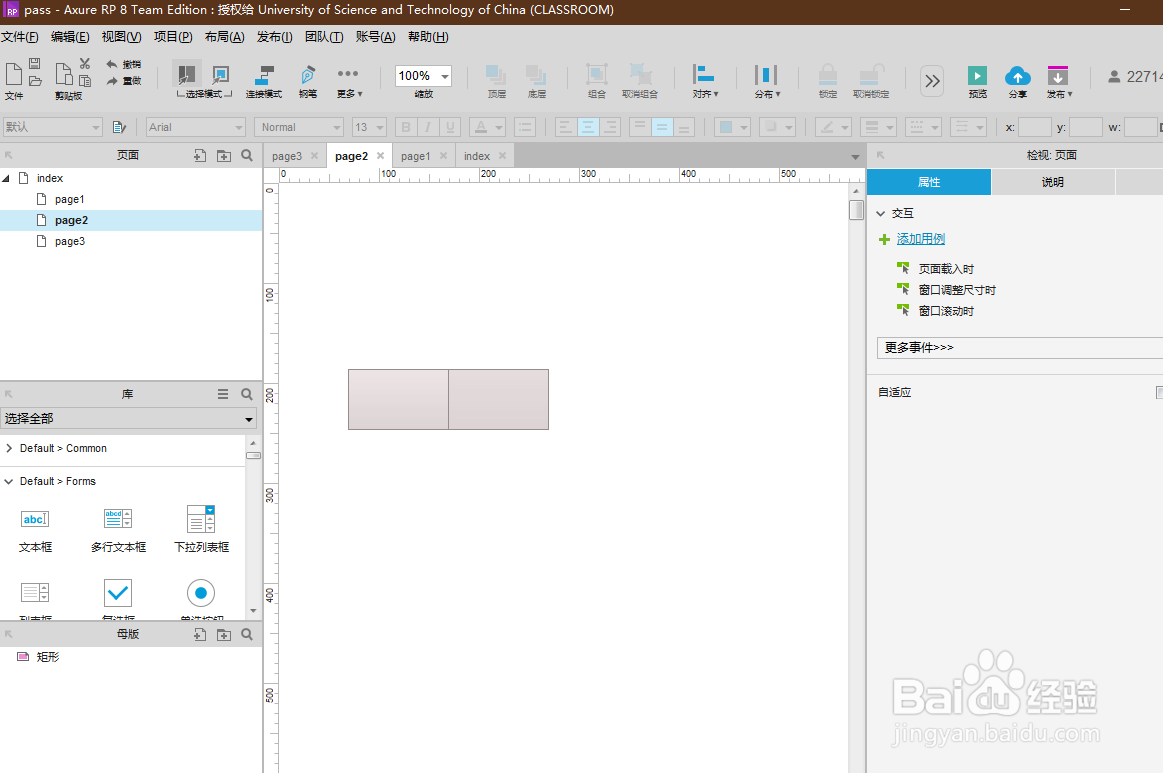
1、打开Axure RP8软件,打开一个RP文件。
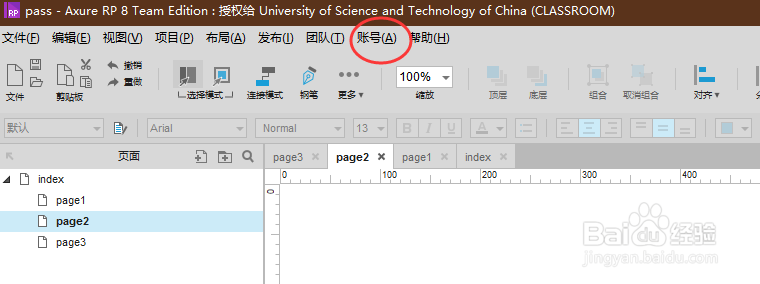
2、点击顶部菜单栏“账号”。
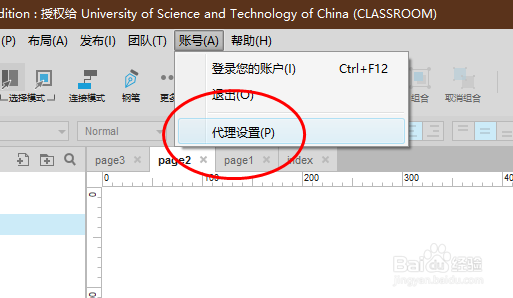
3、在“账号”的下拉列表内,点击“代理设置”。
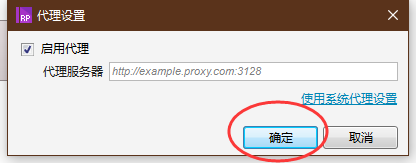
4、调出“代理设置”弹框,勾选“启用代理”选项。
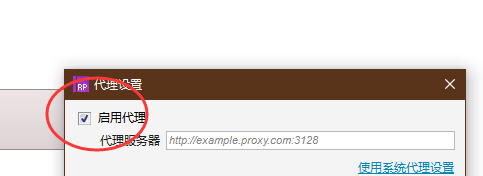
5、输入代理服务器地址,点击“确定”按钮即可设置成功。
阅读量:167
阅读量:109
阅读量:41
阅读量:146
阅读量:34
1、打开Axure RP8软件,打开一个RP文件。
2、点击顶部菜单栏“账号”。
3、在“账号”的下拉列表内,点击“代理设置”。
4、调出“代理设置”弹框,勾选“启用代理”选项。
5、输入代理服务器地址,点击“确定”按钮即可设置成功。