Windows server 2012的IIS运行WCF出错之解法
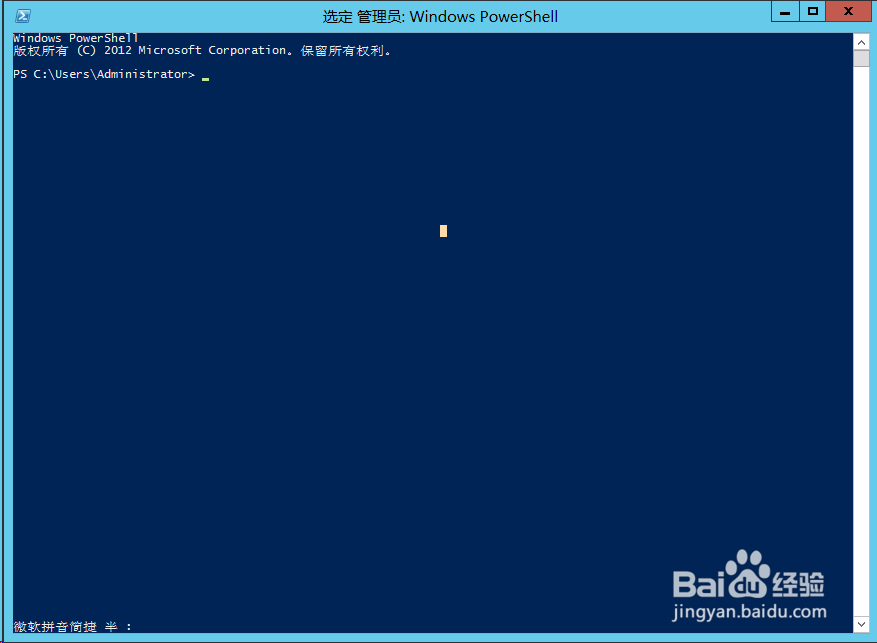
1、运行powershell
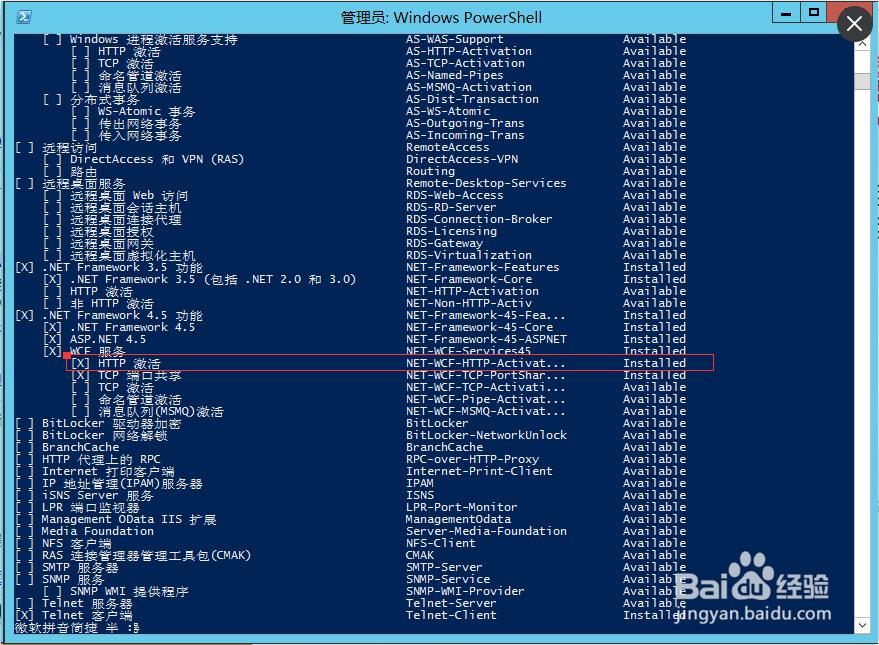
2、通过 get-windowsfeature 命令可以查看到 .Net framework 4.5的【HTTP 激活】未安装。
输入命令进行安装:Add-WindowsFeature -name NET-WCF-HTTP-Activation45
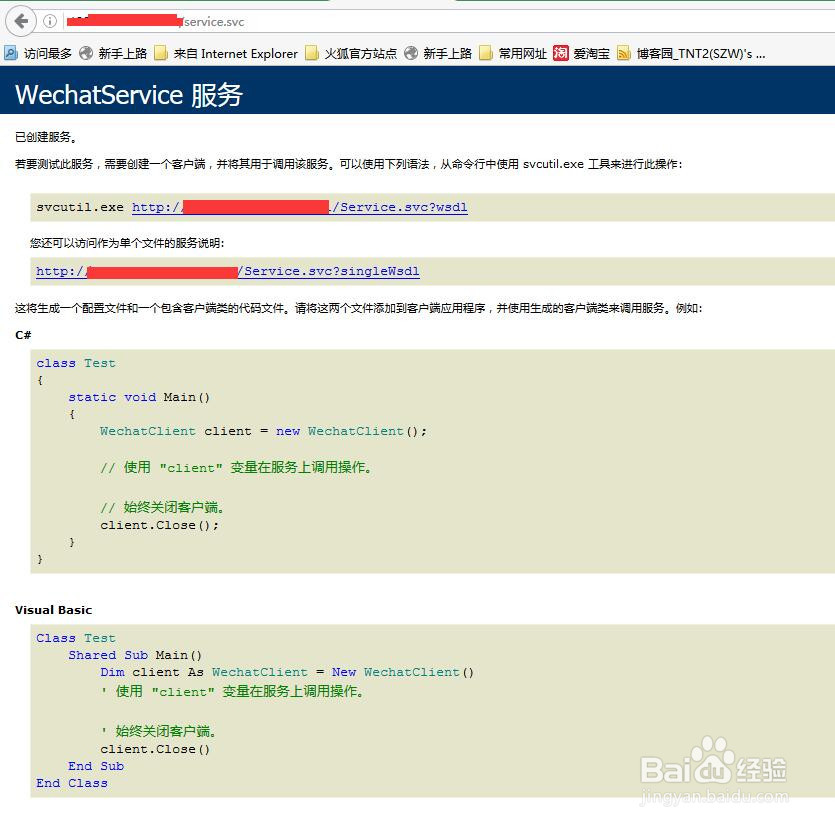
3、再次输入get-windowsfeature 命令查看安装后的结果,再次访问svc时,便可正常打开了。
阅读量:140
阅读量:193
阅读量:141
阅读量:91
阅读量:188