表格里面的文字怎么变成两行
1、点击单元格
第一种方法为选中想要换行的单元格。

2、点击自动换行
点击开始菜单栏中的自动换行。

3、点击换行位置
第二种方法为鼠标点击想要换行的位置。
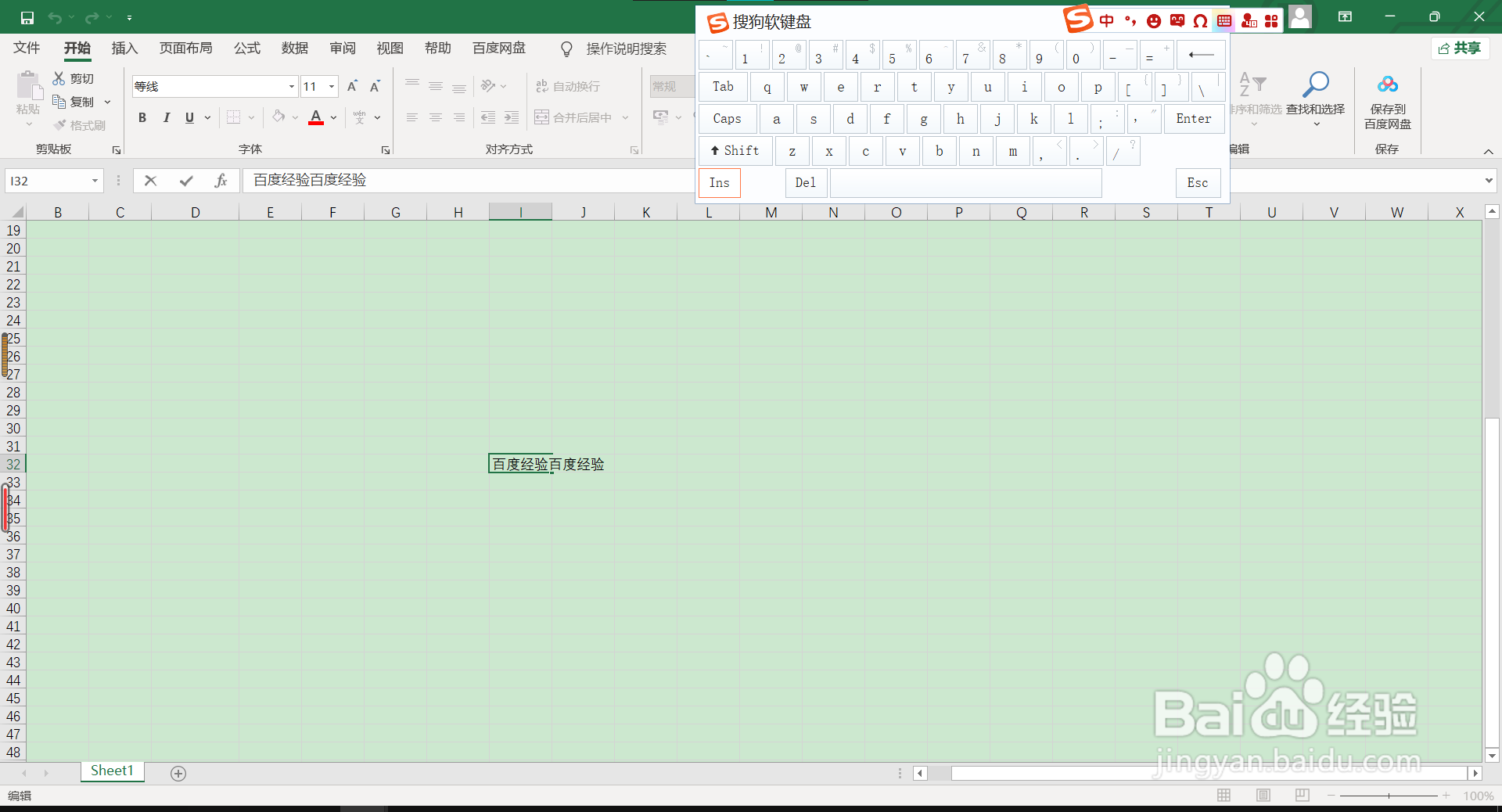
4、点击alt+enter
键盘点击alt+enter,即可变成两行。

阅读量:118
阅读量:178
阅读量:41
阅读量:159
阅读量:186
1、点击单元格
第一种方法为选中想要换行的单元格。
2、点击自动换行
点击开始菜单栏中的自动换行。
3、点击换行位置
第二种方法为鼠标点击想要换行的位置。
4、点击alt+enter
键盘点击alt+enter,即可变成两行。