怎样使用VBA禁止新增工作表?
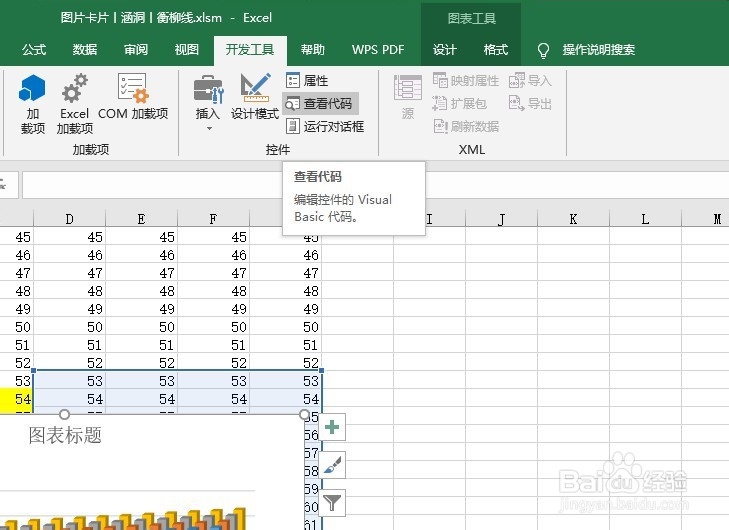
1、首先在开发工具中打开VBA编辑器
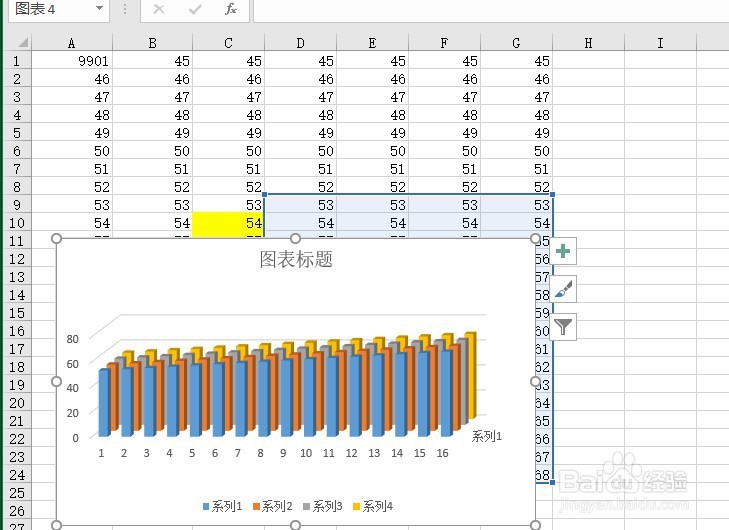
2、在单元格区域当中输入一些内容作为例子
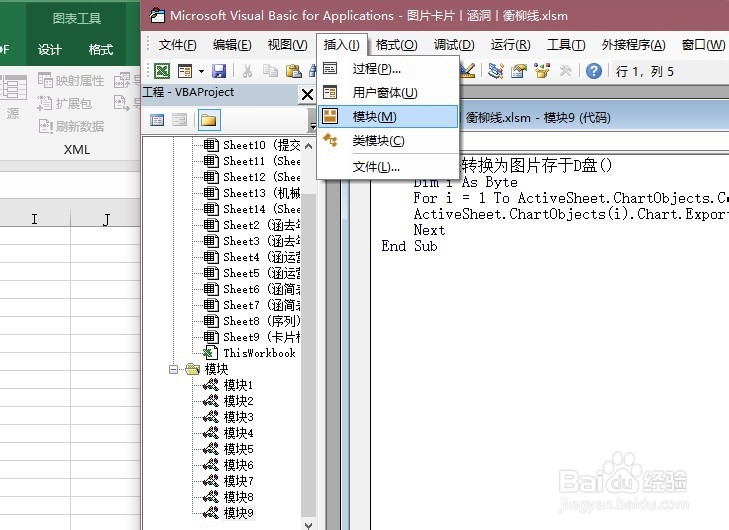
3、在VBA编辑器中插入模块
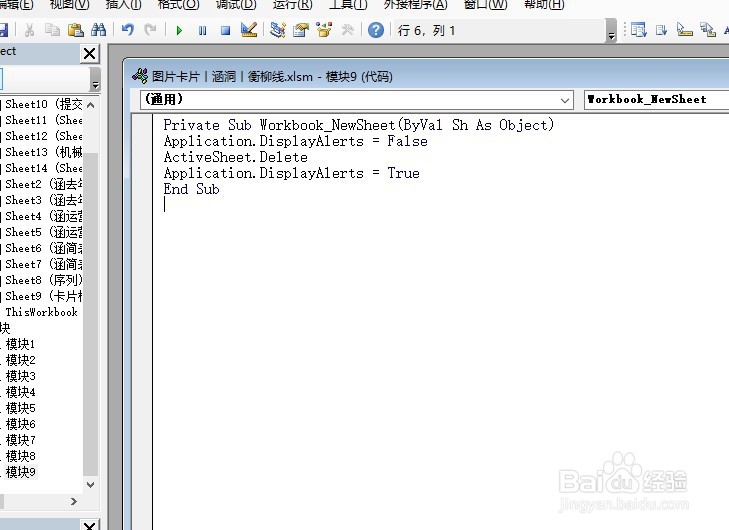
4、在模块当中输入如下代码,然后运行
Private Sub Workbook_NewSheet(ByVal Sh As Object)
Application.DisplayAlerts=False
ActiveSheet.Delete
Application.DisplayAlerts=True
End Sub
5、在工作表标签处单击右键,选择【插入】命令,如图所示。然后任选一种类型的表,可以发现,任何表都已无法建立成功

阅读量:113
阅读量:37
阅读量:97
阅读量:49
阅读量:186