WPS常用标点符号怎样输入
1、1. 双击打开桌面上的WPS 2019软件。

2、2. 新建中文字新建空白文档。

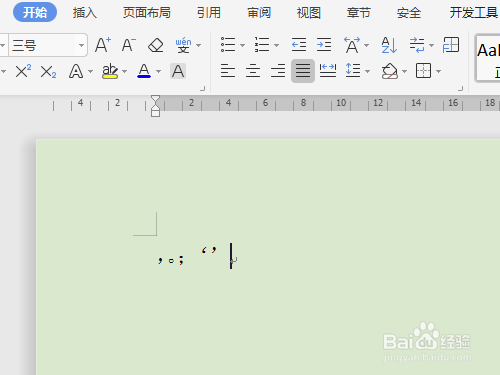
3、3. 逗号,句号,分号,单引号直接在键盘上输入。

4、4. 书名号,问号,冒号,双引号因为是在一键的上面须按住Shift不放才能输入。


5、5. 顿号、是安排在特别的两个键上,如图所示。


6、6. 破折号是按Shift不放和减号键上。


7、7. 省略号……是按Shift+6输入。


1、1. 双击打开桌面上的WPS 2019软件。
2、2. 新建中文字新建空白文档。
3、3. 逗号,句号,分号,单引号直接在键盘上输入。
4、4. 书名号,问号,冒号,双引号因为是在一键的上面须按住Shift不放才能输入。
5、5. 顿号、是安排在特别的两个键上,如图所示。
6、6. 破折号是按Shift不放和减号键上。
7、7. 省略号……是按Shift+6输入。