Zend Studio怎么更改字体大小?
1、打开Zend Studio

2、点击Window
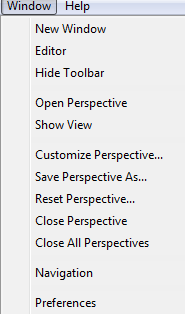
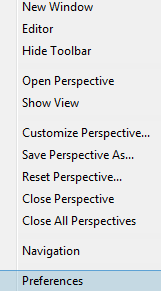
3、选择Preferences
4、依次双击General--Appearance
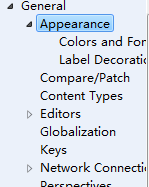
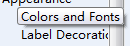
5、点击Colors and Fonts
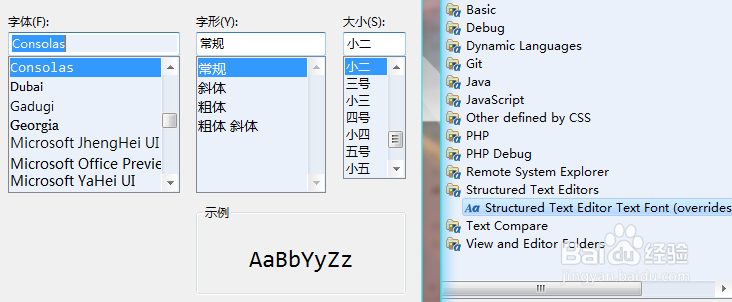
6、在Structured Text Editors下方修改字体样式即可
阅读量:74
阅读量:188
阅读量:54
阅读量:42
阅读量:107
1、打开Zend Studio
2、点击Window
3、选择Preferences
4、依次双击General--Appearance
5、点击Colors and Fonts
6、在Structured Text Editors下方修改字体样式即可